Screen Mirroring.
  • Apple
    • All
    • Android
    • featured
    • Featured posts
    • iOS
    • Macbook
    • Screen Mirroring
    • TV
    • Uncategorized
    • Windows
    Ads-have-been-limited

    How to Fix YouTube Invalid Traffic

    screen-mirror-laptop-to-tv

    How to Screen Mirror Laptop to TV – Complete Guide

    How to connect android phone to smart tv 2026 complete guide

    How to Connect Android Phone to Smart TV (2026 Complete Guide)

    iOS 26 Friendly Wallpapers

    iOS 26 Friendly Wallpapers for you!

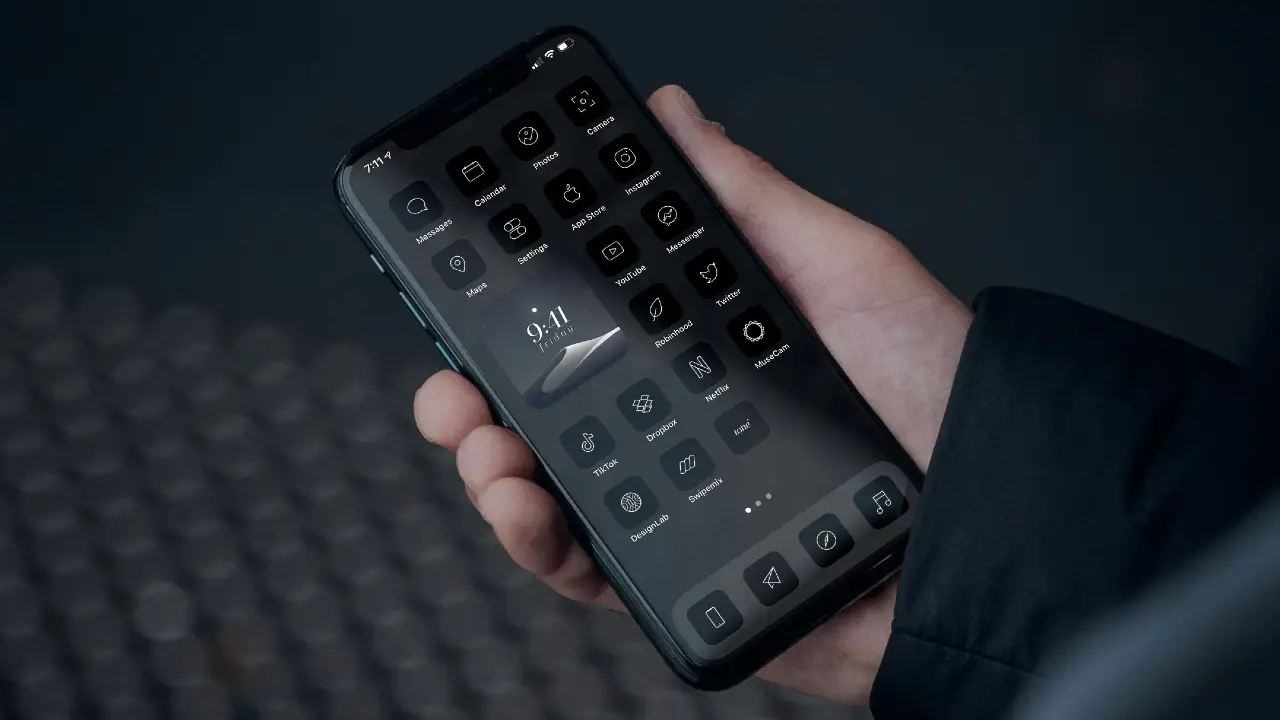
    Transform Your iPhone: Create a Dark & Aesthetic Theme

    Transform Your iPhone: Create a Dark & Aesthetic Theme

    How to Screen Mirror Motorola to TV

    How to Connect & Screen Mirror Motorola to TV

    How to Screen Mirror Tecno Android Phone to TV

    How to Screen Mirror Tecno Android Phone to TV

  • Samsung
  • Android
  • iOS
  • MacBook
  • Windows
No Result
View All Result
Freebies.
  • Apple
    • All
    • Android
    • featured
    • Featured posts
    • iOS
    • Macbook
    • Screen Mirroring
    • TV
    • Uncategorized
    • Windows
    Ads-have-been-limited

    How to Fix YouTube Invalid Traffic

    screen-mirror-laptop-to-tv

    How to Screen Mirror Laptop to TV – Complete Guide

    How to connect android phone to smart tv 2026 complete guide

    How to Connect Android Phone to Smart TV (2026 Complete Guide)

    iOS 26 Friendly Wallpapers

    iOS 26 Friendly Wallpapers for you!

    Transform Your iPhone: Create a Dark & Aesthetic Theme

    Transform Your iPhone: Create a Dark & Aesthetic Theme

    How to Screen Mirror Motorola to TV

    How to Connect & Screen Mirror Motorola to TV

    How to Screen Mirror Tecno Android Phone to TV

    How to Screen Mirror Tecno Android Phone to TV

  • Samsung
  • Android
  • iOS
  • MacBook
  • Windows
No Result
View All Result
Freebies.
No Result
View All Result
Home Android

Screen Mirroring Phone to Android TV (2022)

July 11, 2023
in Android, featured, Screen Mirroring, TV
441 28
How to Connect Phone to TV

How to Connect Phone to TV

This image has an empty alt attribute; its file name is rizisuper-3.jpg

Watch new Tutorials on How-To Screen Mirror on Youtube every Week!

Screen Mirroring Phone to Android TV (2022)

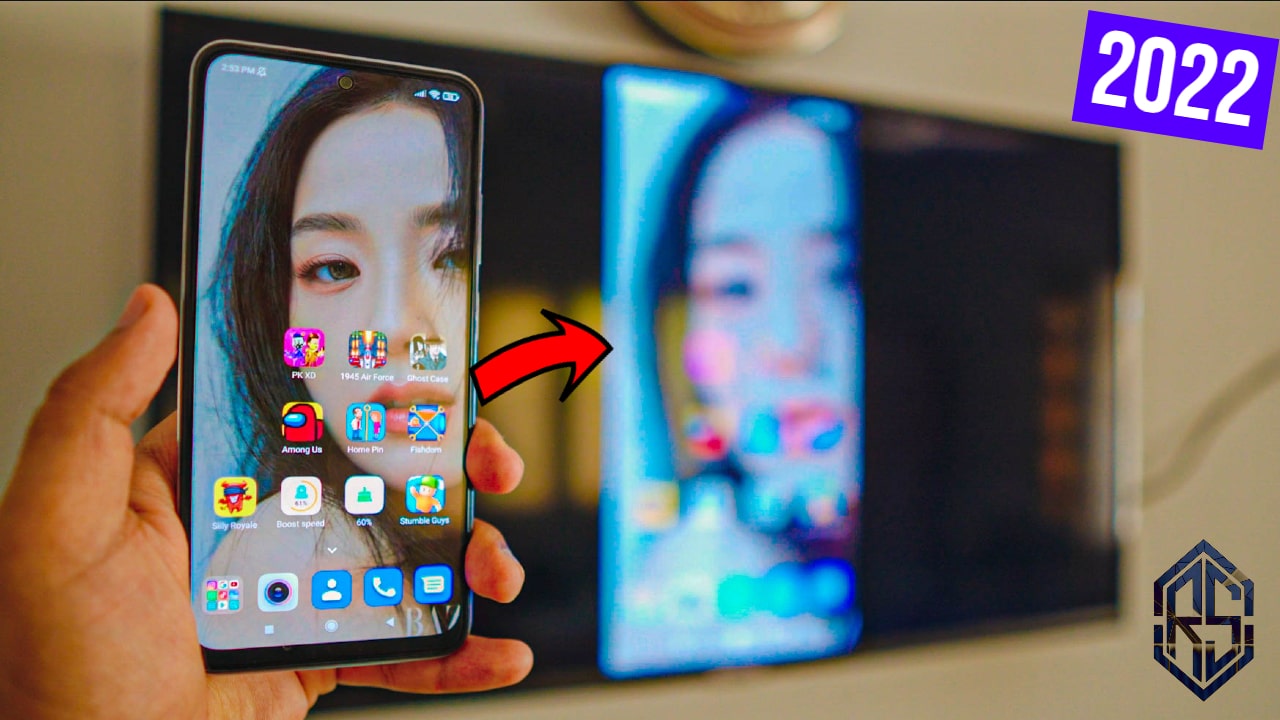
How to Screen Mirror Android Phone to TCL TV or Android TV 2022 without any 3rd Party Apps and it’s absolutely free and wireless.

Hey there, today I’ll teach you how you can connect or Android Phone to your Android TV without using any 3rd party app and it’s absolutely free. Which makes it really smooth and has no lag at all. Most of all, it’s so simple, it only takes a few clicks and bam! Your Phone is Connected to the Android TV!

The Connection: Connect Phone to Wifi / Hotspot (Optional)

Screen Mirroring Phone to Android TV

Connect your Phone to your preferred Network. It can be either your Home Wifi or you could also use Mobile HotSpot. (Be careful with the Mobile Hotspot, depending on your Network it’ll cost you credit)

Wifi or Personal Hotspot:

When it comes to Networks you’ve options. Let’s say you don’t have access to Wifi Network, that’s alright. We can use Mobile Data as well and also enable Personal Hotspot for later use.

Screen Mirroring Phone to Android TV

If you don’t have Wifi available you can definitely use your Personal Hotspot from your Phone to Connect to the TV. (Be careful depending on your network plan it’s not free)

Connect TV to the Same Network

Screen Mirroring Phone to Android TV

Choose your Network for TV

As discussed earlier, we’ve two options here. Either use Available WiFi or Use the Hotpot from our Phone because we need to make sure our TV is also on the same network as our Phone is.

As Screen Mirroring, MiraCast, and Chromecast work only if both the TV and your phone are on the same Network.

Screen Mirroring Phone to Android TV

Screen Mirroring on TV is Enabled

Once your Android TV is running and it’s connected to the Network/Wifi that means Screen Mirroring is automatically enabled and it’s running in the background. Perks of having an Android TV of course.

Screen Mirroring Phone to Android TV

Connect Phone to TV

Once everything is up and running. Go to your Phone Settings and Head to Connection & Sharing >

Screen Mirroring Phone to Android TV

Refer to Video Tutorial for more information:

Screen Mirroring Settings

Head over to Wireless Display inside the Connection & Sharing Settings.

Remember, for other Brands, it might be different. Oftentimes, it’s called Wireless Display, MiraCast, Screen Mirroring or SmartView.

Screen Mirroring Phone to Android TV

Mirror Phone to Android TV

Inside the Wireless Display Settings, Look for your Android TV.

In this case, my Andoird TV is TCL.

Screen Mirroring Phone to Android TV

Screen Mirroring Phone to Android TV

Select your TCL TV and BAM!

Screen Mirroring Phone to Android TV

Screen Mirroring Phone to Android TV (2022)

See, wasn’t that easy? Now you can enjoy YouTube, TikTok or whatever you like. You can even play games if you want to.

Screen Mirroring Phone to Android TV

How to Stop Screen Mirroring Phone to Android TV

Just like we Connected, head over to Wireless Display Settings & click on your TV and Click Disconnect.

Select the Connected TV and Hit Disconnect.

Connect Phone to TV

See how easy the whole process was? Hope you enjoyed it, feel free to get in contact if you’ve any questions.

Conclusion:

Learn Screen Mirroring Phone to Android TV without using any 3rd party apps as the Screen Mirroring Feature is built-in to Android Phones. So, it’s really easy as compared to Apple devices like iPhone. So, Mirror Phone to Android TV free of cost and wireless!

Video Tutorial:

Tags: airdroid castandroidscreen mirroringscreen mirroring android
SummarizeShare260

Related Posts

How to connect android phone to smart tv 2026 complete guide
Android

How to Connect Android Phone to Smart TV (2026 Complete Guide)

Watch new Tutorials on How-To Screen Mirror on Youtube every Week! A complete guide on How to Connect an Android...

January 29, 2026
How to Screen Mirror Motorola to TV
Android

How to Connect & Screen Mirror Motorola to TV

Watch new Tutorials on How-To Screen Mirror on Youtube every Week! How to Connect & Screen Mirror Motorola to TV:...

April 30, 2025
How to Screen Mirror Tecno Android Phone to TV
Android

How to Screen Mirror Tecno Android Phone to TV

Watch new Tutorials on How-To Screen Mirror on Youtube every Week! How to Screen Mirror Tecno Android Phone to TV:...

April 30, 2025
How to Screen Mirror Samsung Galaxy S25 Ultra to TV
Android

How to Screen Mirror Samsung Galaxy S25 Ultra to TV

Watch new Tutorials on How-To Screen Mirror on Youtube every Week! How to Screen Mirror Samsung Galaxy S25 Ultra to...

March 18, 2025
Next Post
mirror phone to roku tv

How to Mirror Phone to Roku TV

miracast iphone 7 plus to smart tv

Miracast iPhone 7 Plus to Smart TV (2022)

Recommended

how to connect iphone to laptop free and wireless 2022

How to Connect iPhone to Laptop (Free & Wireless)

July 12, 2023
screen mirroring iphone to tcl roku tv

Screen Mirroring iPhone to TCL Roku TV

October 2, 2021
how to screen mirror iphone to windows.jpg

How to Mirror iPhone Screen to Windows PC & Laptop

April 15, 2024
chromecast with google tv

Chromecast with Google TV (Free & Wireless)

September 25, 2023

Categories

  • Android
  • featured
  • Featured posts
  • iOS
  • Macbook
  • Screen Mirroring
  • TV
  • Uncategorized
  • Windows

Instagram

    Go to the Customizer > JNews : Social, Like & View > Instagram Feed Setting, to connect your Instagram account.

Subscribe

Join over 12.000+ subscribers & be the first to get new freebies.

Disclaimer

This demo site is only for demonstration purposes to JNews WordPress theme. All images are copyright to their respective owners. All content cited is derived from their respective sources.

  • Home
  • Contact

Welcome Back!

Login to your account below

Forgotten Password?

Retrieve your password

Please enter your username or email address to reset your password.

Log In
No Result
View All Result
  • Apple
  • Samsung
  • Android
  • iOS
  • MacBook
  • Windows
Go to mobile version