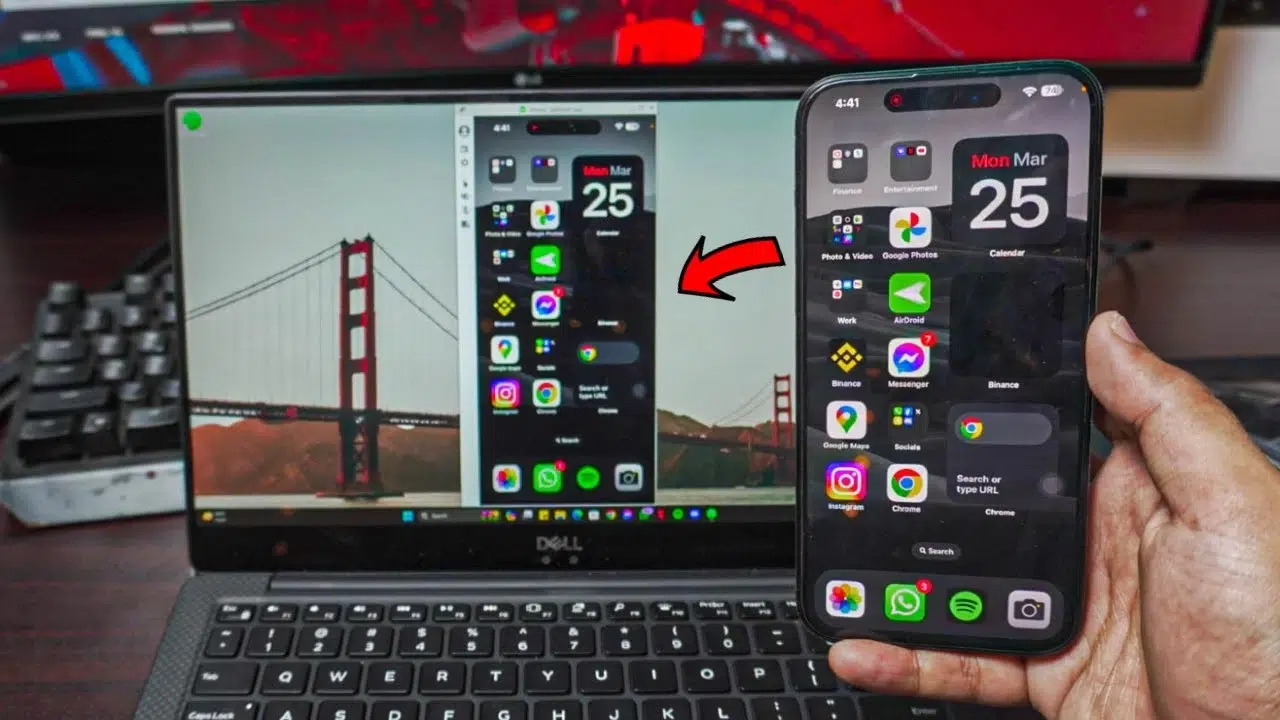

Watch new Tutorials on How-To Screen Mirror on Youtube every Week!
How To Screen Mirror iPhone Screen to Windows 10/11?
Learn How to Screen Mirror an iPhone Screen to a Windows Laptop with AirDroid Cast, a free tool that can let you Mirror any iPhone to any Windows Laptop completely free and without any lag.
Mirroring iPhone to Windows 10/11 is free & Wireless
We’ll be Screen Mirroring your iPhone (any) to your Windows 10/11 Laptop with absolute easy. It’s wireless and the best part is that it’s completely free of cost!

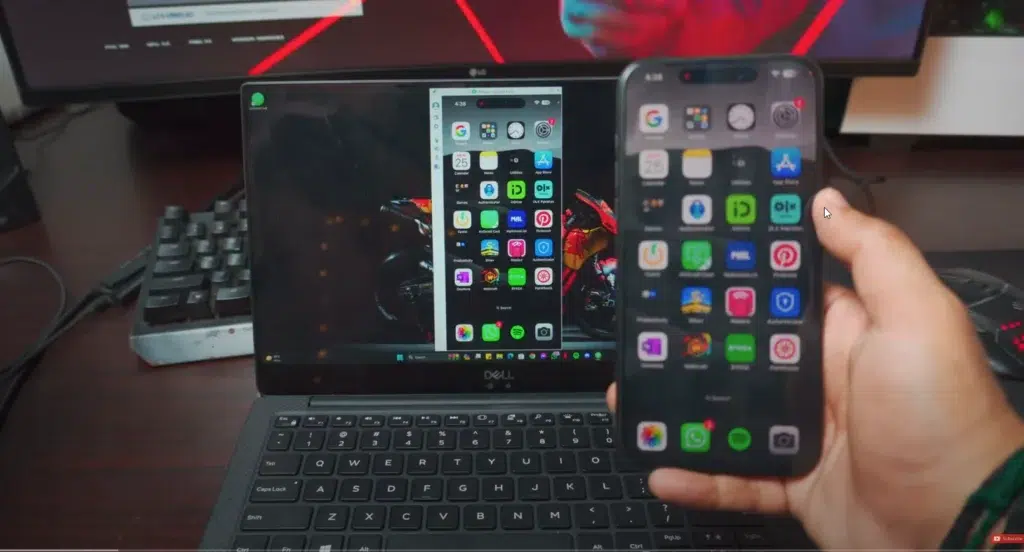
What is required to Mirror iPhone to Windows 10/11 Laptop?
We’ll be requiring a couple of things before we start Mirroring iPhone!
- Laptop with Windows 10 or Windows 11
- Wifi / Hotspot
- iPhone
- AirDroid (For Windows & iOS)
How To Screen Mirror iPhone Screen to Windows 10/11: Connection
A connection is needed to mirror your iPhone to your Laptop. The specific type of connection required will depend on the method you choose to mirror your laptop screen.
- Wifi
- Hotspot / WiFi-Direct
- Mobile Hotspot (optional)
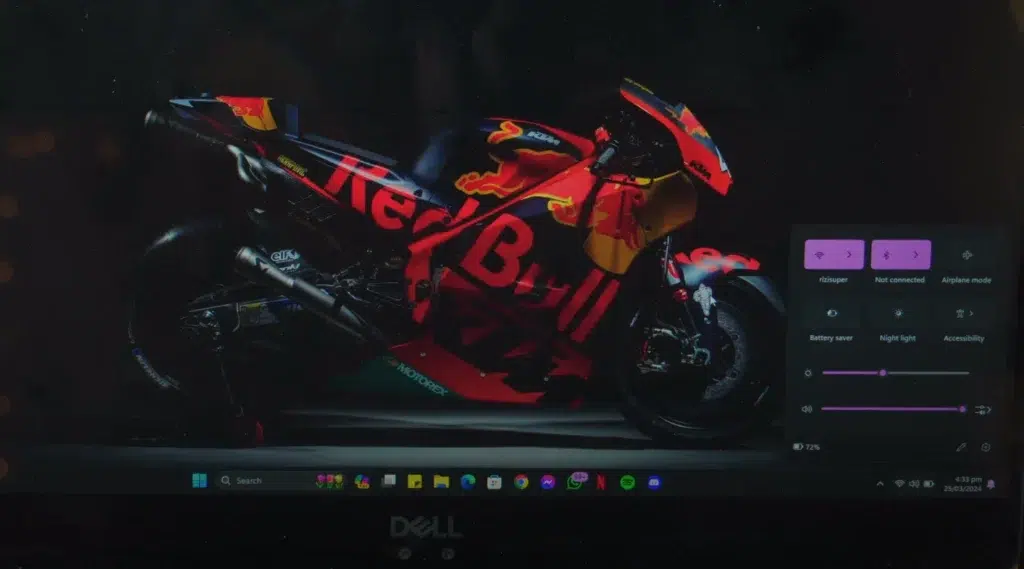
If you’re using a wireless connection, you’ll need a stable Wi-Fi network. This is because wireless screen mirroring technology like Screen Mirroring requires a network to transmit the content from your laptop to your TV.
Connect your Laptop to the WiFi that is available to you, in my case. I’m using my Home WiFi to Mirror my Laptop to the TV.
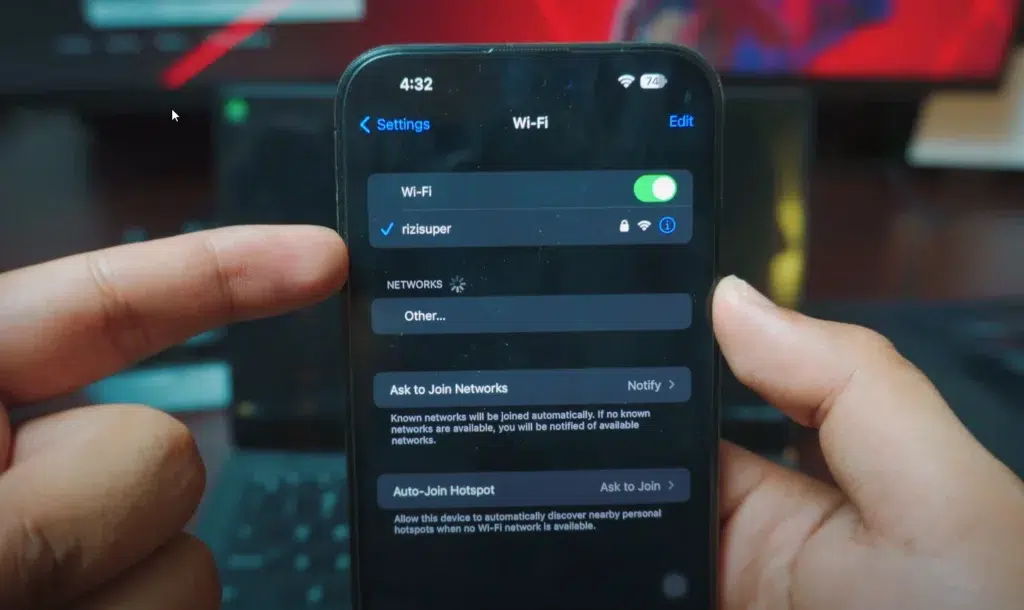
Connect your iPhone to the Same Network
Once your Laptop is connected to your Home Wi-Fi, it’s time to Connect your iPhone to the same network.
Mobile Hotspot (optional)
If you don’t have Wi-Fi available at home, you can use your iPhone’s hotspot, and it’ll function just the same. The only distinction is that we’ll be connecting the laptops and iPhones to that hotspot. Simply enable the hotspot from your iPhone, and your laptop should detect it. However, I’d recommend using home Wi-Fi or any available Wi-Fi network if possible.
(Be careful with the Mobile Hotspot, depending on your Network it might cost you credit.)
Watch the Video Tutorial on YouTube
Download AirDroid to Screen Mirror iPhone Screen to Windows
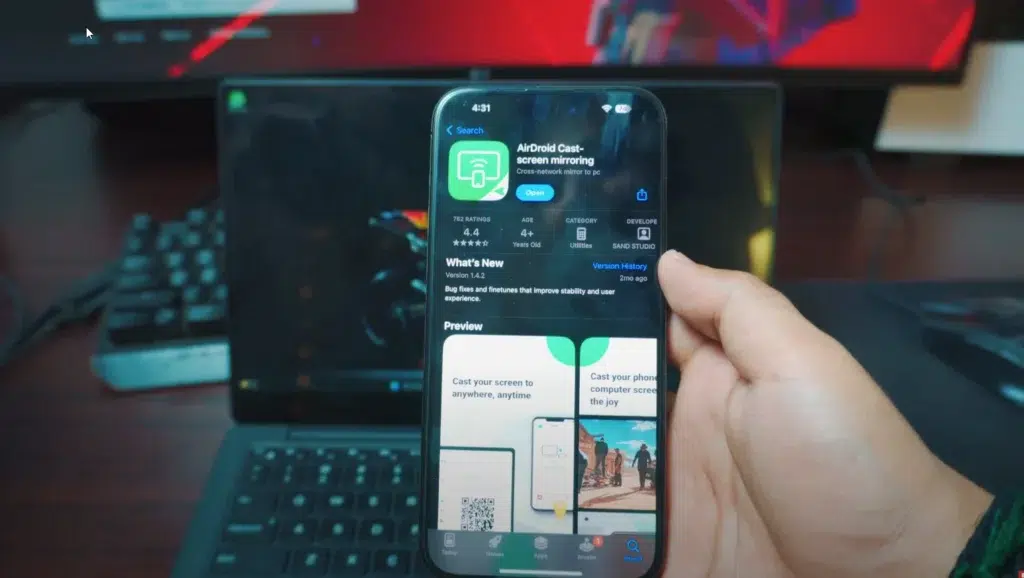
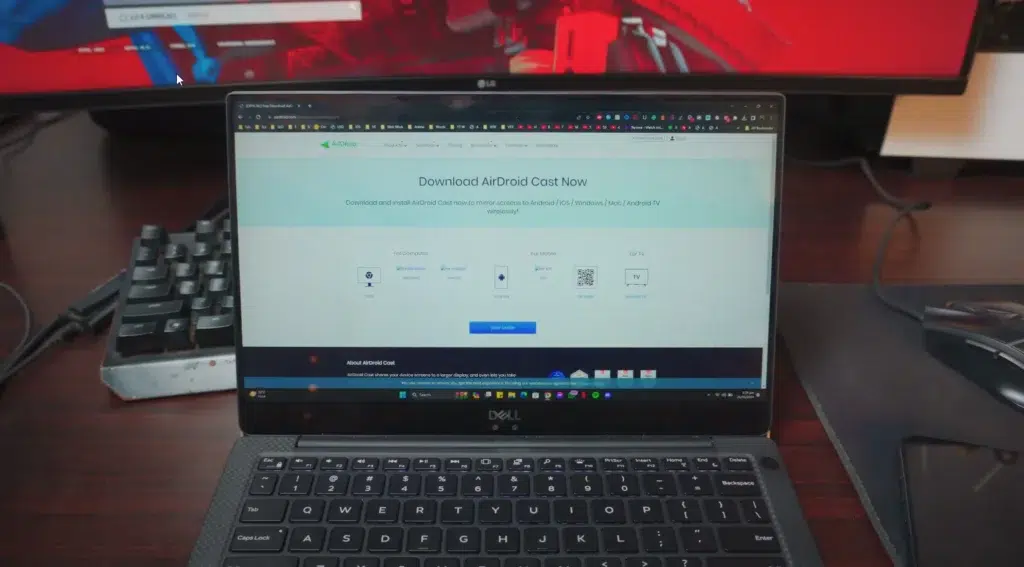
In order for us to Screen Mirror iPhone to Laptop, we’ve to Download a free tool called AirDroid for iOS and for Windows Laptop.
Don’t worry it’s completely free, download it on your iPhone and your Laptop respectively.
Download AirDroid for iPhone Here:
Download AirDroid for Windows Laptop Here:
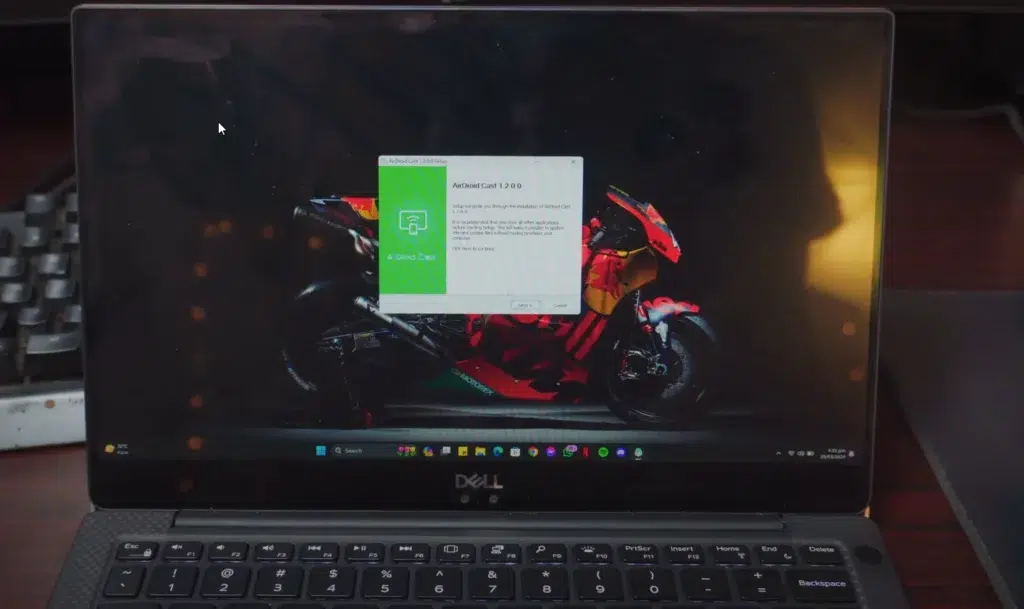
Install AirDroid on your Laptop
Installing AirDroid on your Laptop should be simple
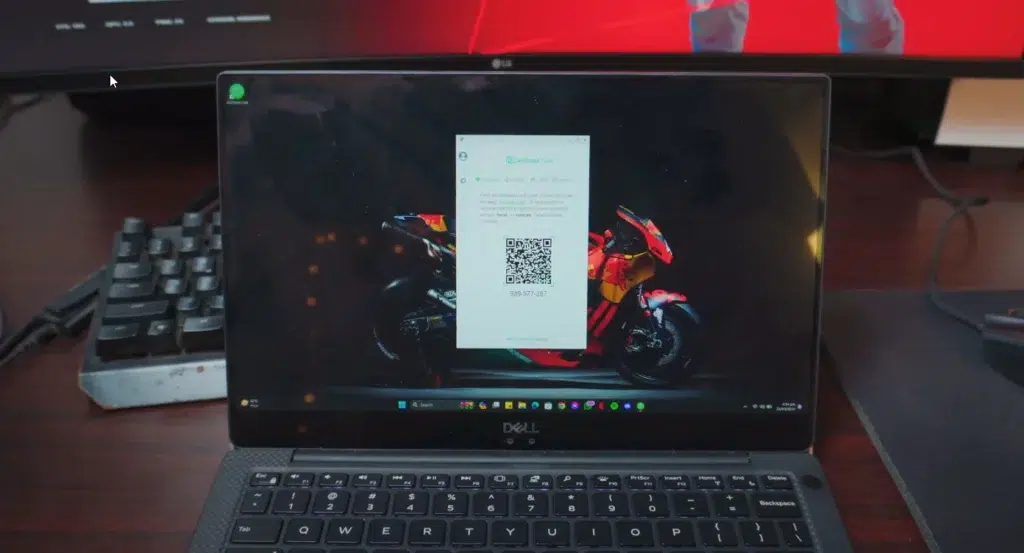
How To Screen Mirror iPhone Screen to Windows 10/11: Screen Mirroring iPhone
Once the AirDroid is installed on both your Laptop and iPhone. Time to fire it up and let’s do this!
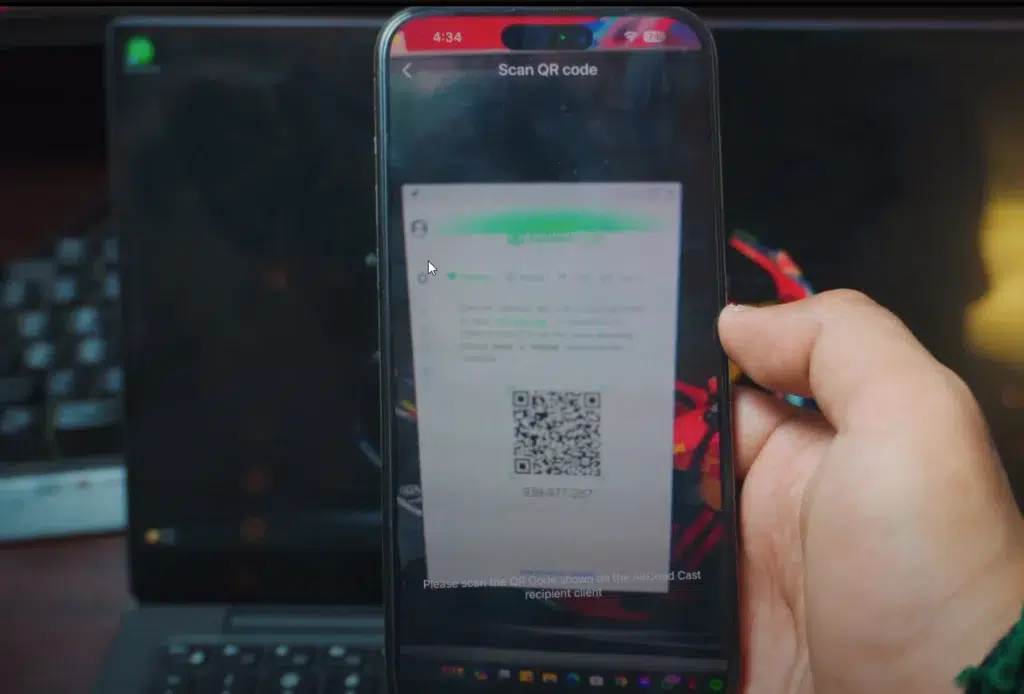
Once you open the AirDroid on your Laptop, it should look exactly like this. Showing you a Barcode for us to use on iPhone which we’ll scan, so just follow my steps.
How To Screen Mirror iPhone Screen to Windows 10/11: AirDroid iPhone
Fire up AirDroid and Scan the Barcode that is available on your Laptop, follow the steps given below.
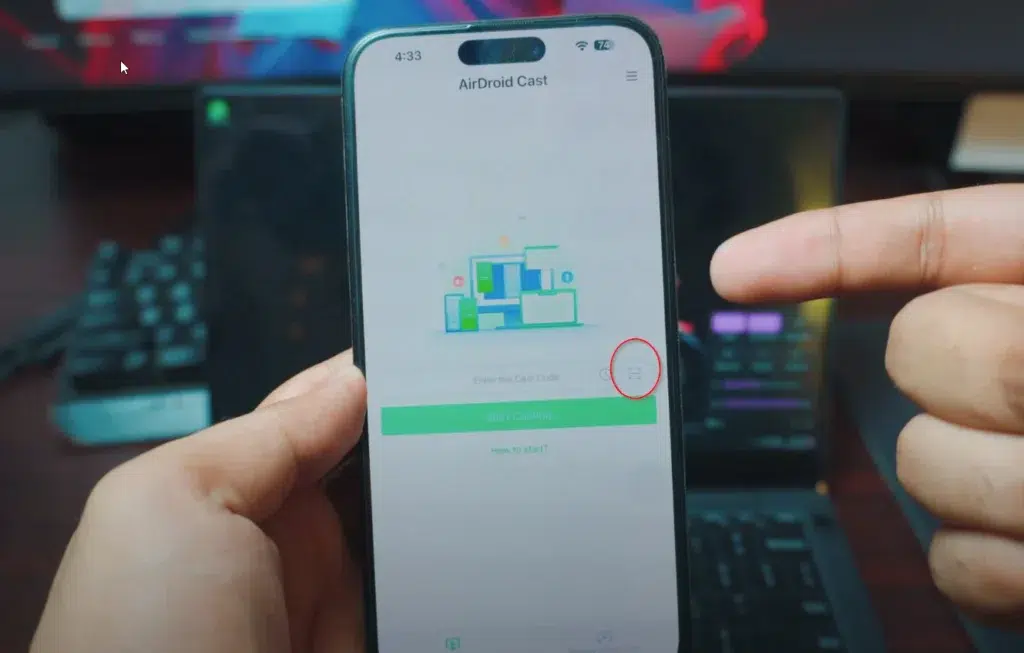
Scan the Barcode
How To Screen Mirror iPhone Screen to Windows 10/11: Start the Broadcast
Once you’re Scanned the Barcode that’s on your Laptop, you should get the option to Start the Broadcast. That’s the final step before we start Screen Mirroring iPhone to Windows 10 or 11 Laptop for free and wireless.
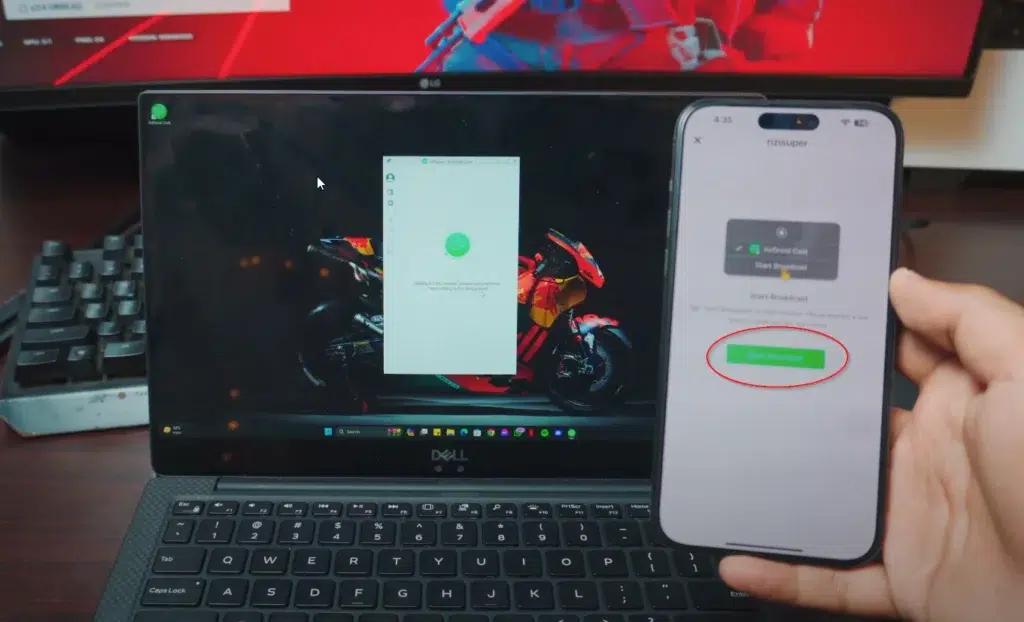
How To Screen Mirror iPhone Screen to Windows 10/11
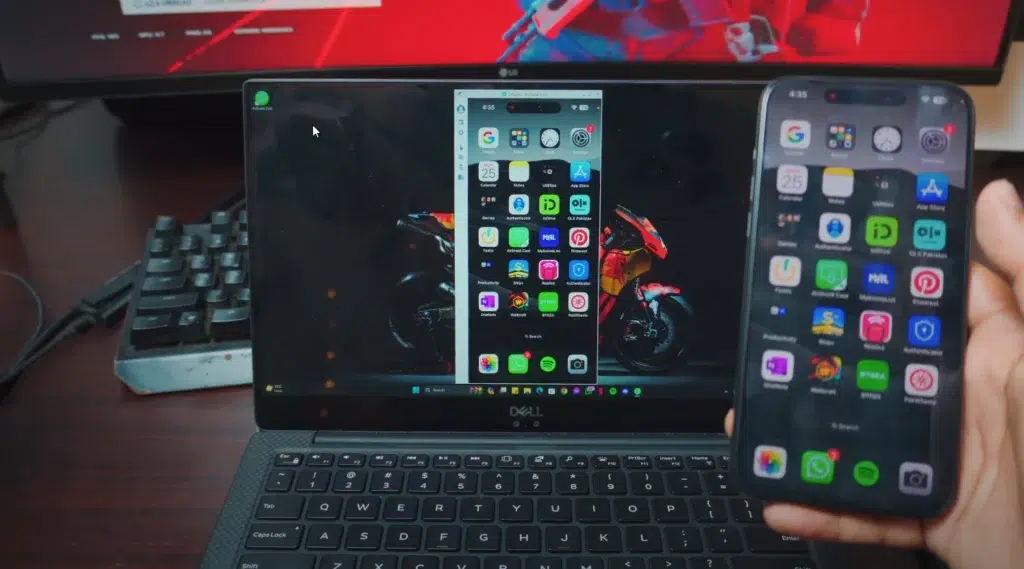
How To Screen Mirror iPhone Screen to Windows 10/11 For free and wireless
Pretty awesome right? We’re screen Mirroring iPhone Screen to Windows 10 or 11 for free and wireless.
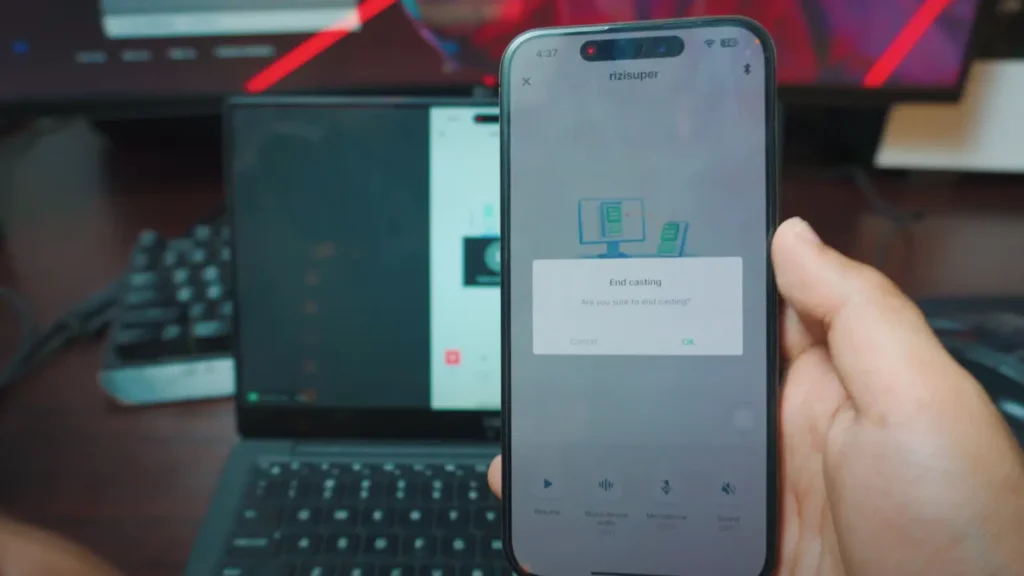
How to Stop Screen Mirroring iPhone Screen?
Head over to AirDroid on your iPhone and Click “X” on top left corner to Stop Screen Mirroring iPhone Screen.
Conclusion:
In conclusion, Mirroring iPhone Screen to Windows 10/11 Laptop is Free of cost and it’s wireless 100%. All you need to do is use a Free tool called AirDroid on both your Laptop and iPhone to ensure a smooth and stable Screen Mirroring on your iPhone.