

Watch new Tutorials on How-To Screen Mirror on Youtube every Week!
How to Connect iPhone to Laptop Free & Wireless 2022
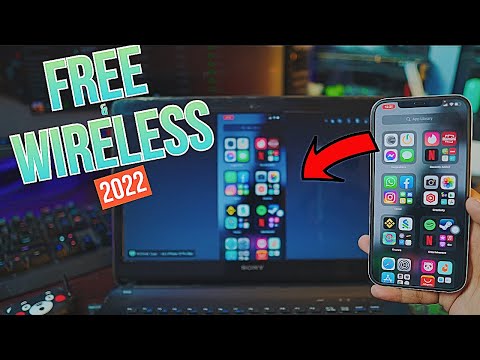
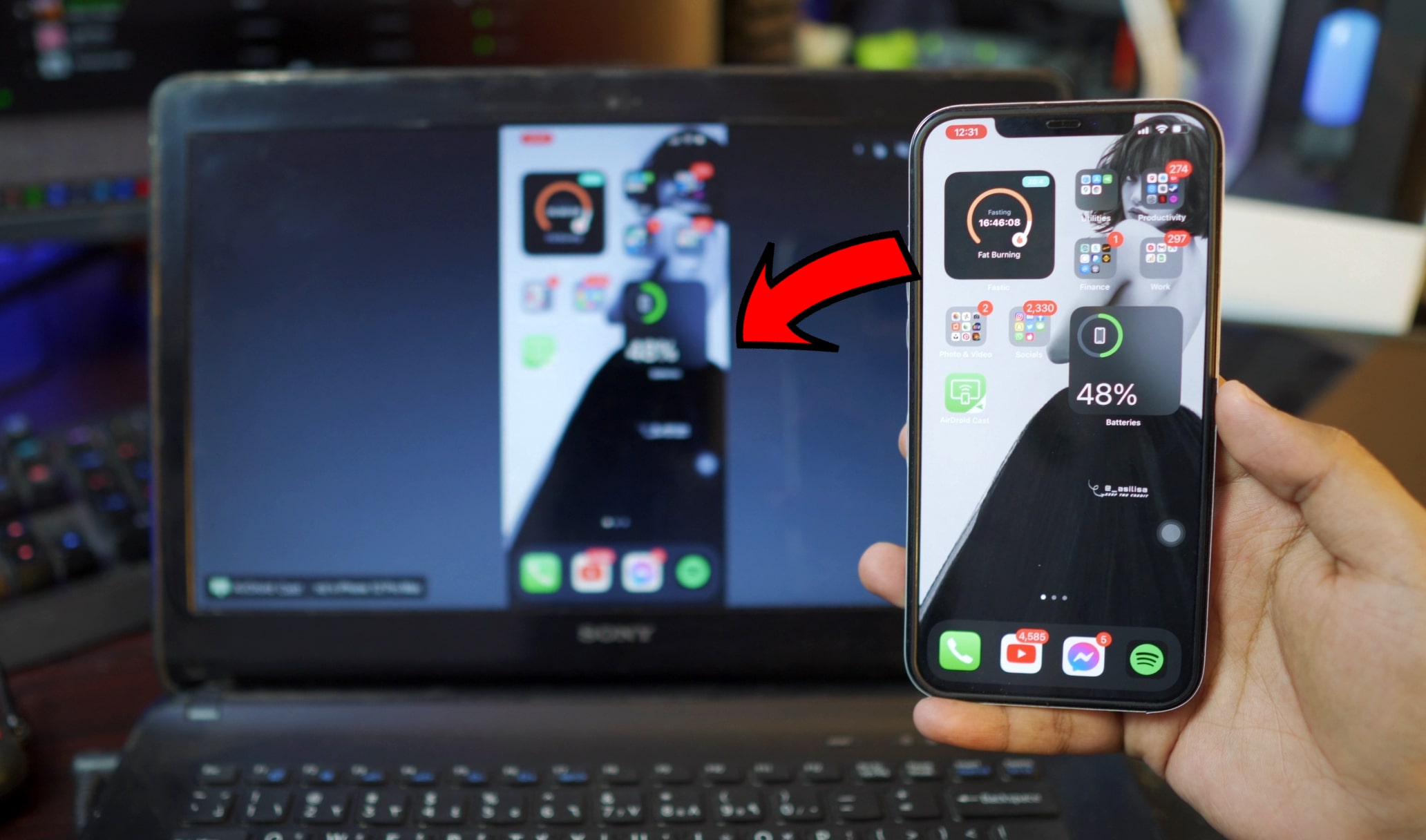
Hey, how’re you doing. Today we gonna be learning How to Connect iPhone to Laptop Completely free and wireless also it’s really easy as well. So, in order to Connect or Screen Mirror your iPhone to any Laptop, we’ll be using a free tool for windows called “AirDroid Cast” and for iPhone as well. A free tool that lets you connect your iPhone to any windows laptop and it’s absolutely free.
The Connection:

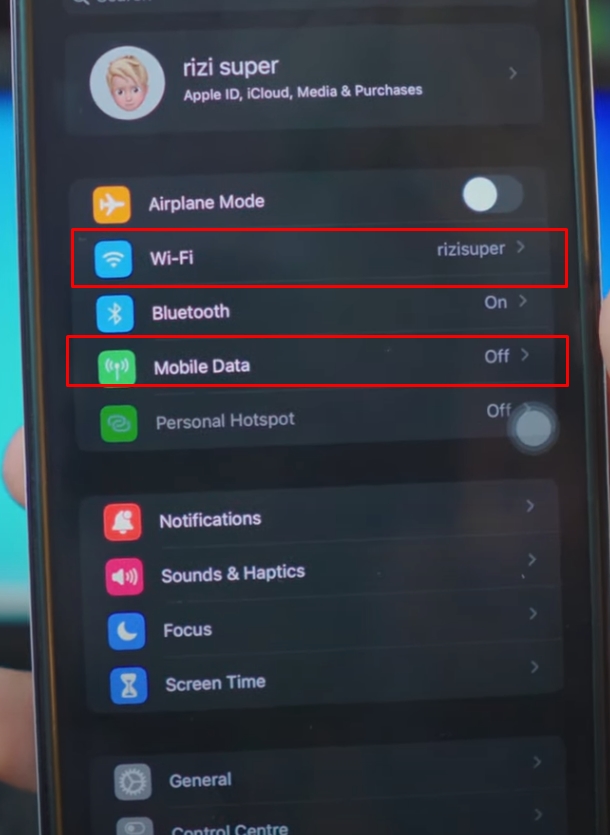
In order to download AirDroid Cast, we need to connect our iPhone to either Wifi (if available) or your mobile data.
Warning: Be careful with the mobile data, depending on your network it might not be free.
Download AirDroid Cast on iPhone:
You need to have access to the network in order to download AirDroid Cast App on your iPhone.
Wifi or Personal Hotspot:
When it comes to Networks you’ve options. Let’s say you don’t have access to Wifi Network, that’s alright. We can use Mobile Data as well and also enable Personal Hotspot for later use.

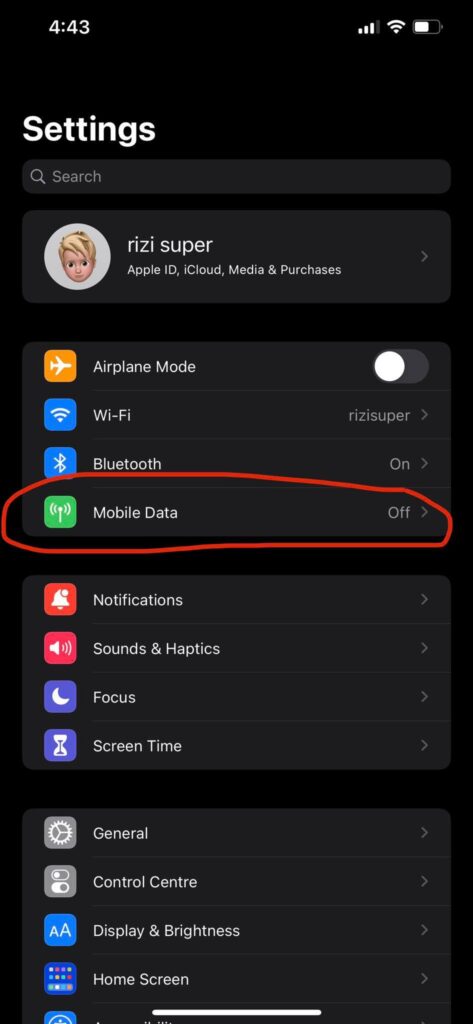
In order to use the Personal Hotspot for the Laptop, we’ve to enable Mobile Data on our iPhone.
Be Careful as it might cost you Mobile Credit. Because Mobile Data is directly connected to your Network and depending on your Data Usage, it’ll cost you credit.

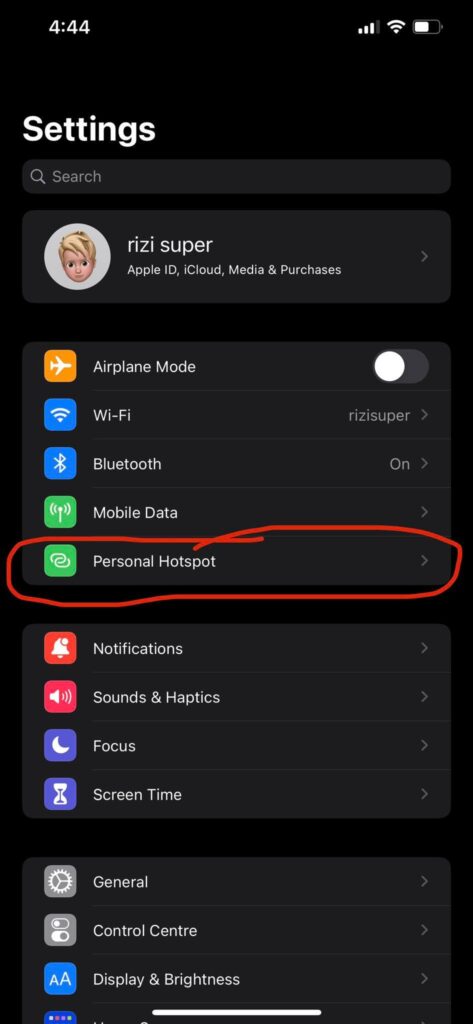
Once the Mobile Data is Turned on (As shown in the Step Above) You’ll Have Access to Personal Hotspot which we’ll be using Primarily to Make sure our Laptop and iPhone are on the same Network.
Step 1: Download AirDroid Cast on iPhone

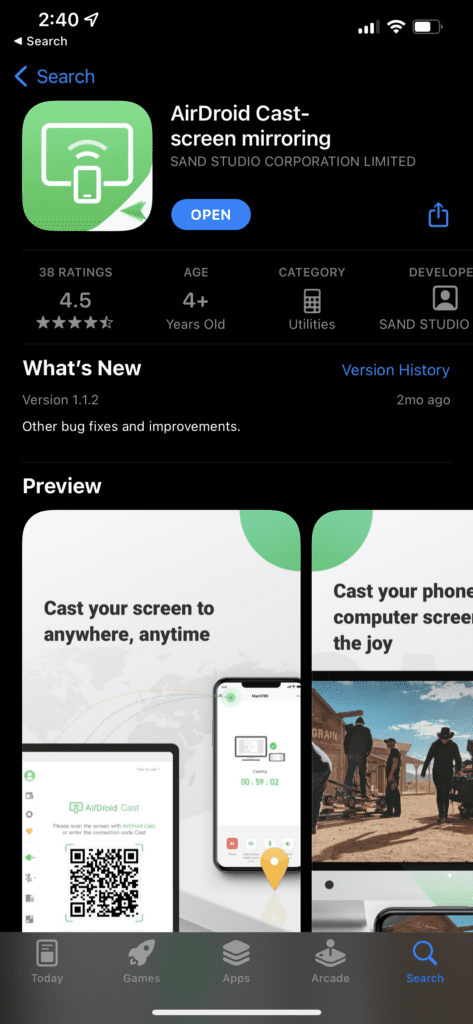
Go to AppStore and Download AirDroid Cast for iPhone
Step 2: Connect iPhone to the Network
As discussed earlier, you have the option to either use WiFi or your Mobile Data. For the Sake of this tutorial, I’ll be using WiFi. So, Connect your iPhone to the Network.

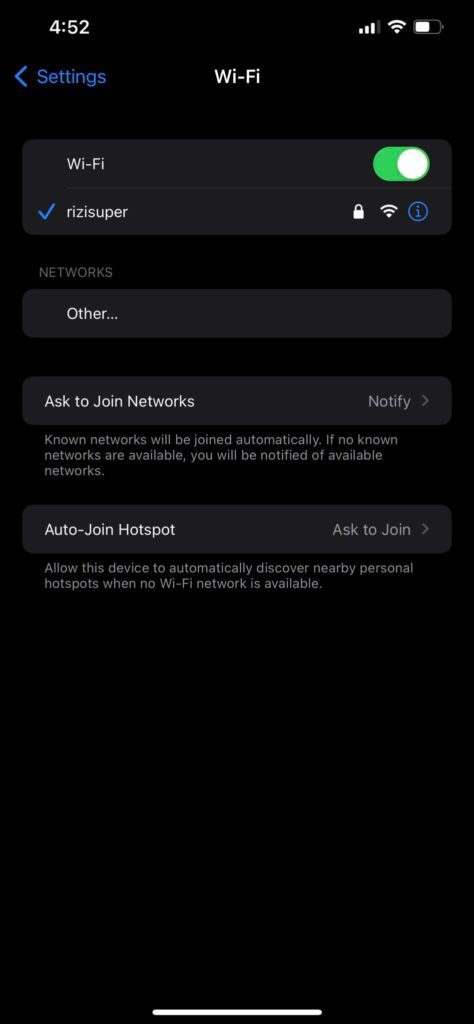
Connect your iPhone to the Network. Whether it be Hotspot or WiFi. Just remember we’ll be using the Same Network for the Laptop as well.
Step 3: Connect Laptop to the Network
AirDroid Cast is Downloaded on iPhone! iPhone is Connected to your preferred Network! All we need to do now is to download AirDroid Cast on Laptop as well.
Remember: If your Laptop doesn’t support WIFI, you can use Ethernet Cable.

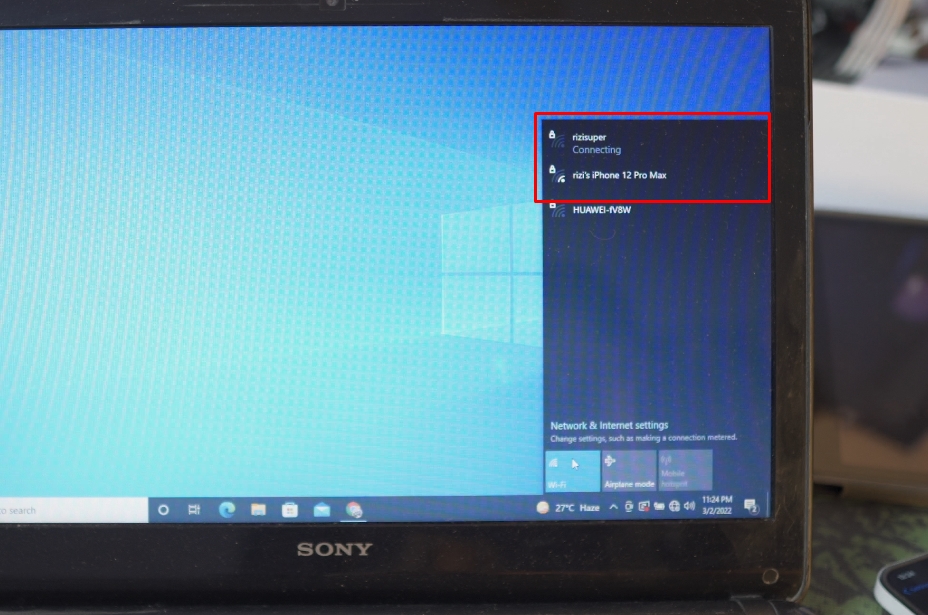
Step 4: Choose your Network for Laptop
As discussed earlier, we’ve two options here. Either use Available WiFi or Use the Hotpot from our iPhone because we need to make sure our iPhone is also on the same network as our Laptop is. Because AirDroid Cast App can’t let you connect to your laptop if it’s not on the same network as the iPhone is. So it’s really important.
Step 5: Download AirDroid Cast on Laptop
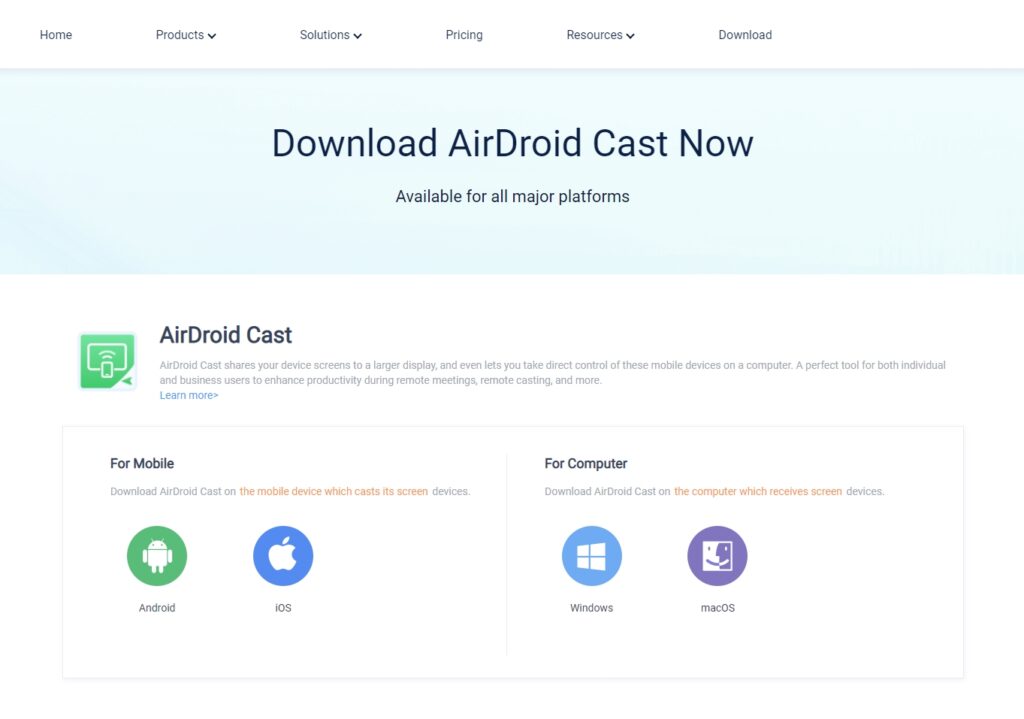
Go to AirDroid Cast and click on Windows as we want to download it for the windows laptop.

Step 6: Install AirDroid Cast on Laptop
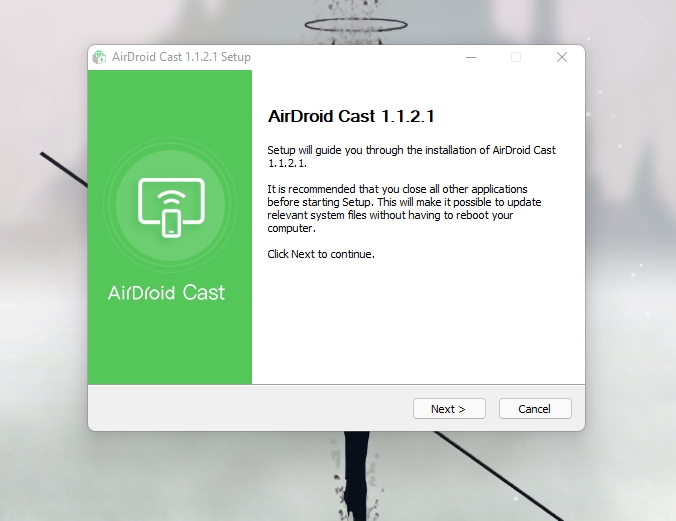
Once you’ve downloaded the AirDroid Cast for Laptop, go ahead and install it. Really simple!

Step 7: Open AirDroid Cast on Laptop
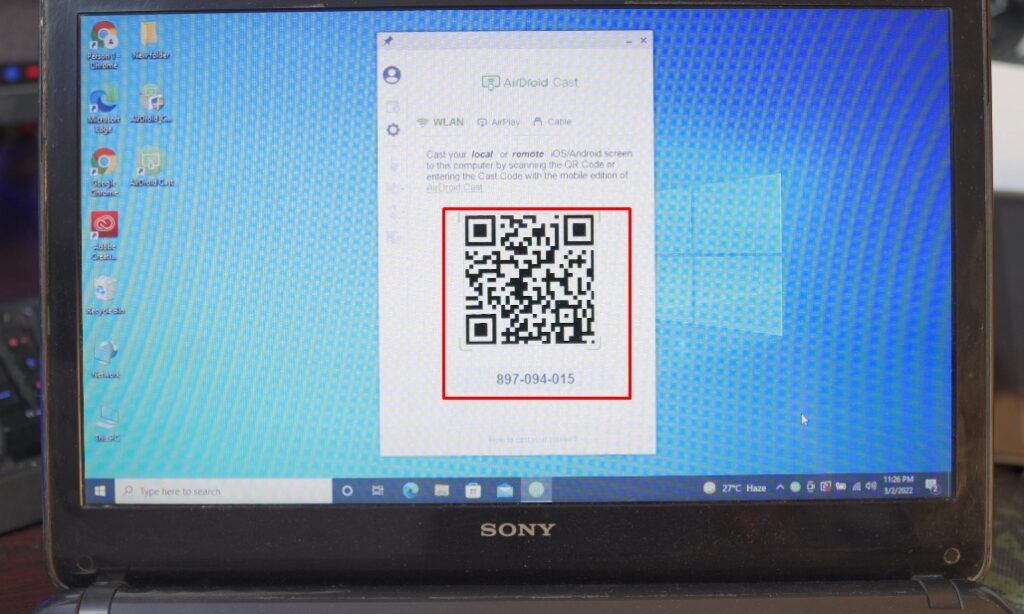
Once everything is up and running. You’ll see a Barcode and an actual Code for AirDroid Cast on Laptop.

Refer to Video Tutorial for more information:
Step 7: Connect iPhone to Laptop
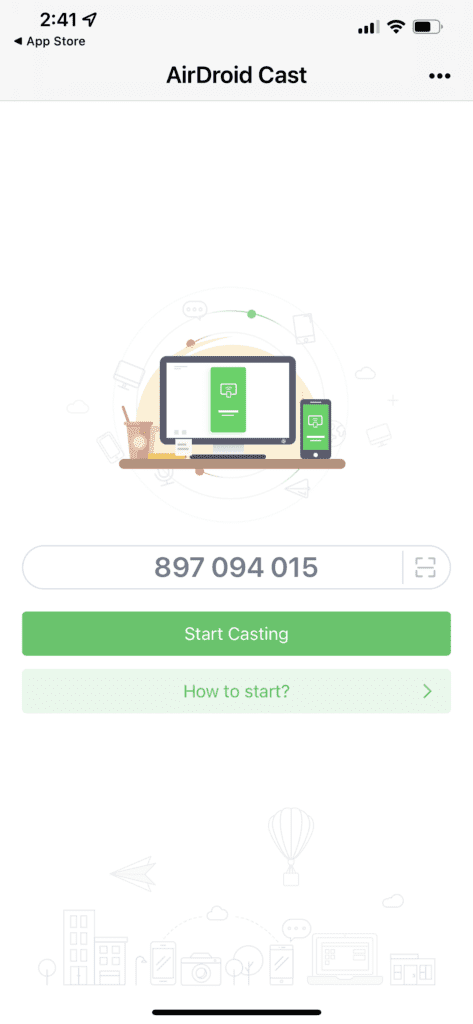
Open AirDroid Cast on iPhone and you’ll see you have the option to either enter the code manually or Scan the Barcode right next to it.

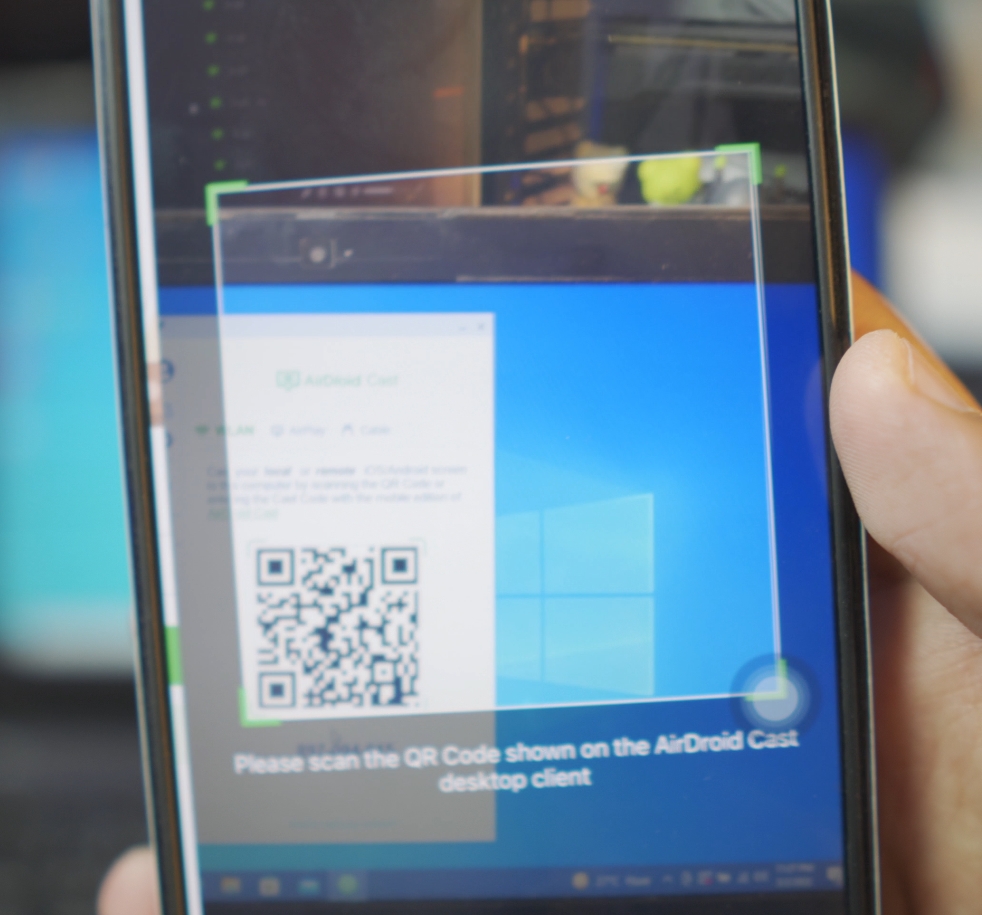
Scan the barcode that’s on your Laptop from your iPhone.

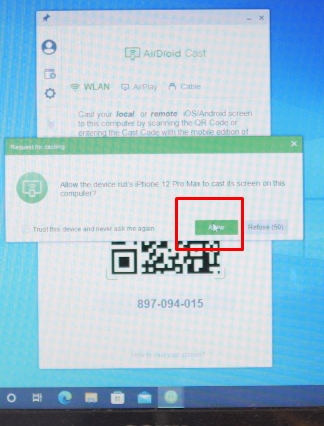
Click Allow to Connect your iPhone to the Laptop.

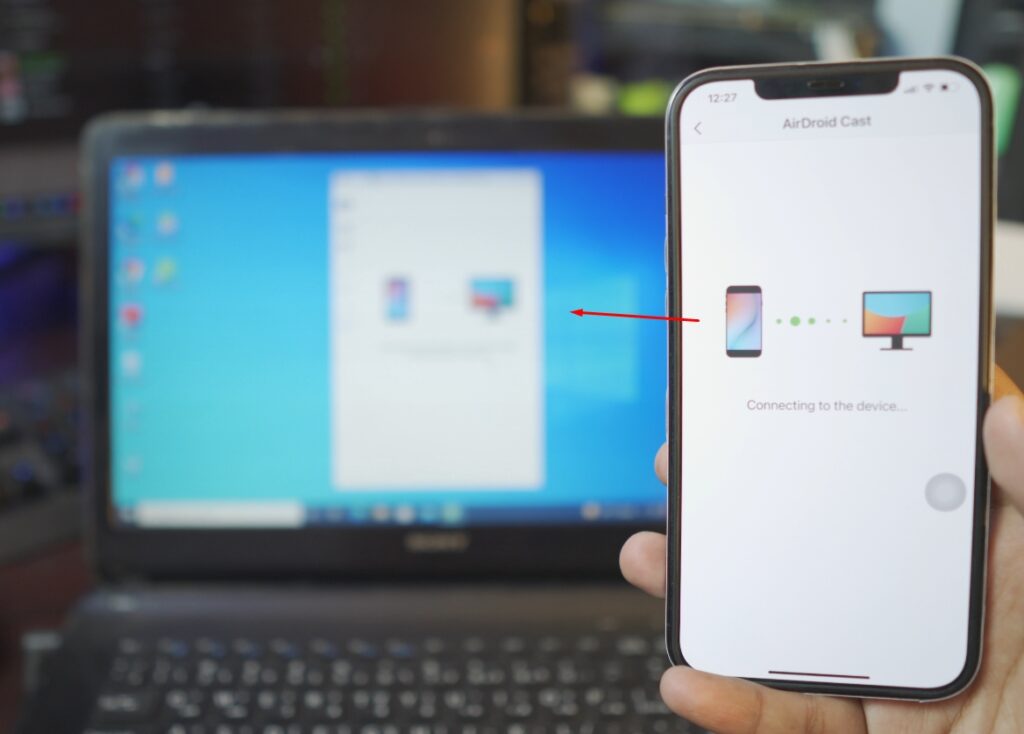
And it will automatically start connecting your iPhone to the Laptop. Completely and free and wireless.
Connect iPhone to Laptop – Free and Wirelessly!
See, wasn’t that easy? That’s why AirDroid Cast is one of the Best Apps to Connect your iPhone to your Laptop completely free and wireless.

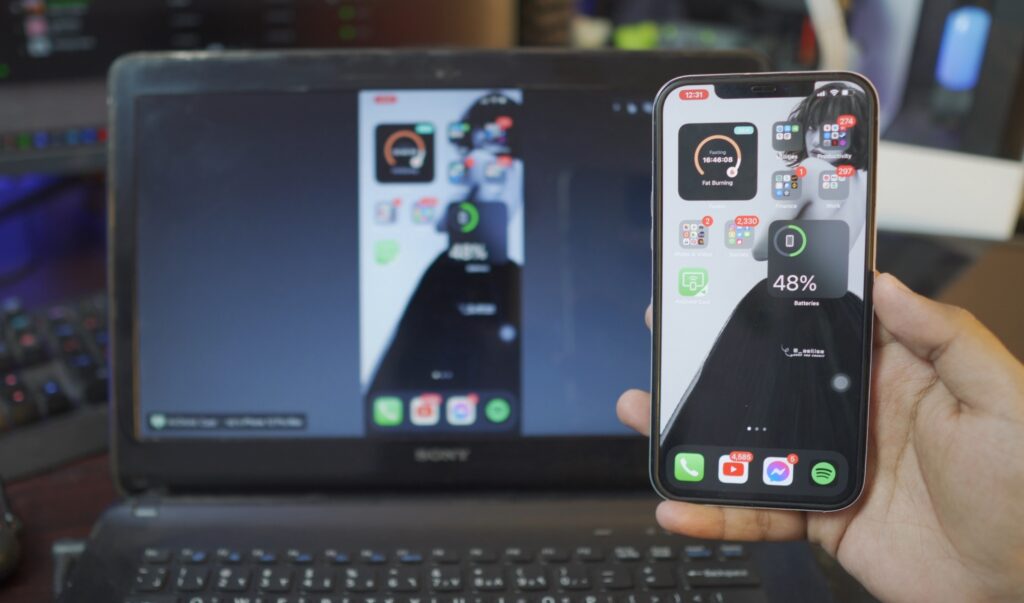
How to Stop iPhone Connected to laptop?
It’s really easy if you look at the screen of your iPhone. You’ll a red icon at the top left corner.

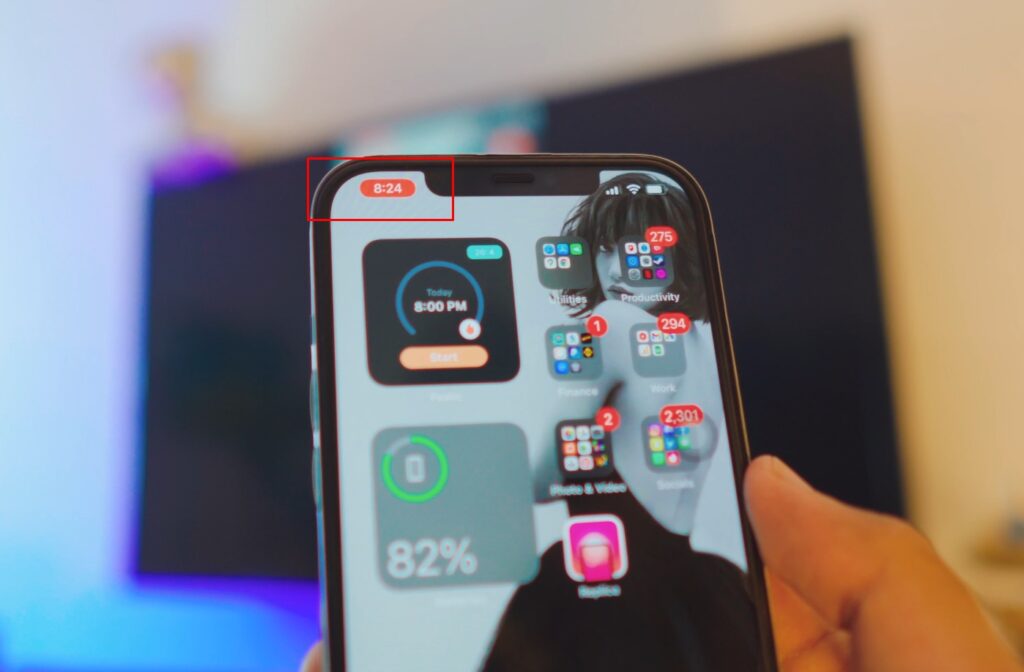
Just click on it, and it’ll ask you whether you wanna stop the Chromecast or not.
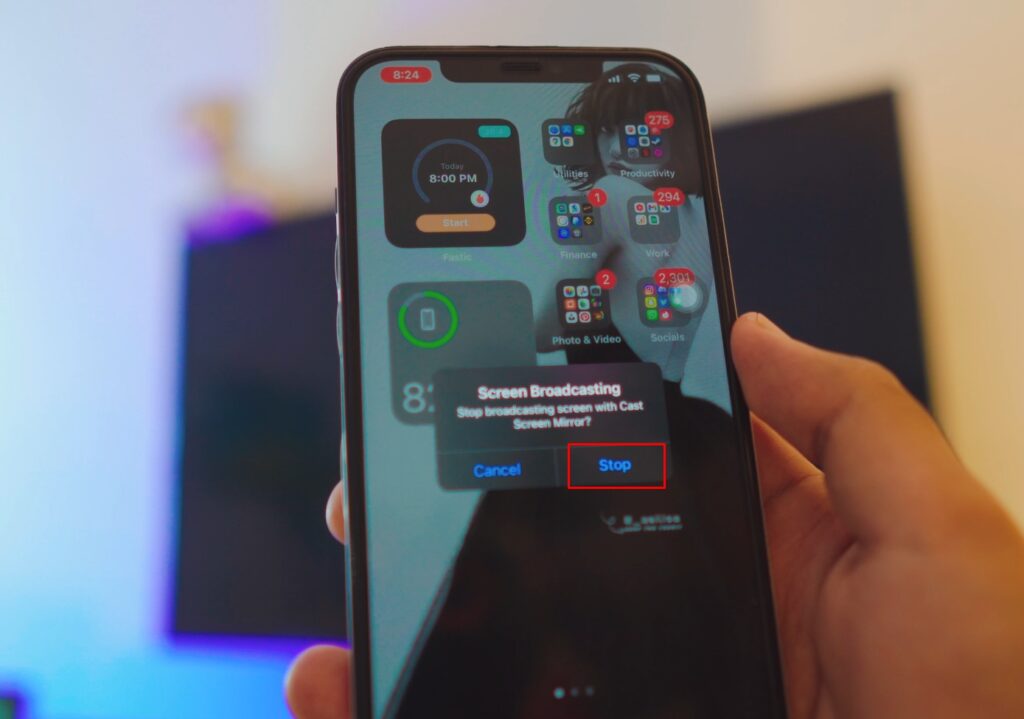
Just click “Stop” and you’ve stopped Chromecast. So easy!
Connect iPhone to Laptop
See how easy the whole process was? Hope you enjoyed it, feel free to get in contact if you’ve any questions.
Conclusion:
Connecting iPhone Screen to Laptop using a free App called AirDroid Cast With AirDroid Cast it’s wireless and completely free and it’s so easy to Connect any iPhone to any Windows Laptop free of cost and it’s wireless.
Video Tutorial: