


Watch new Tutorials on How-To Screen Mirror on Youtube every Week!


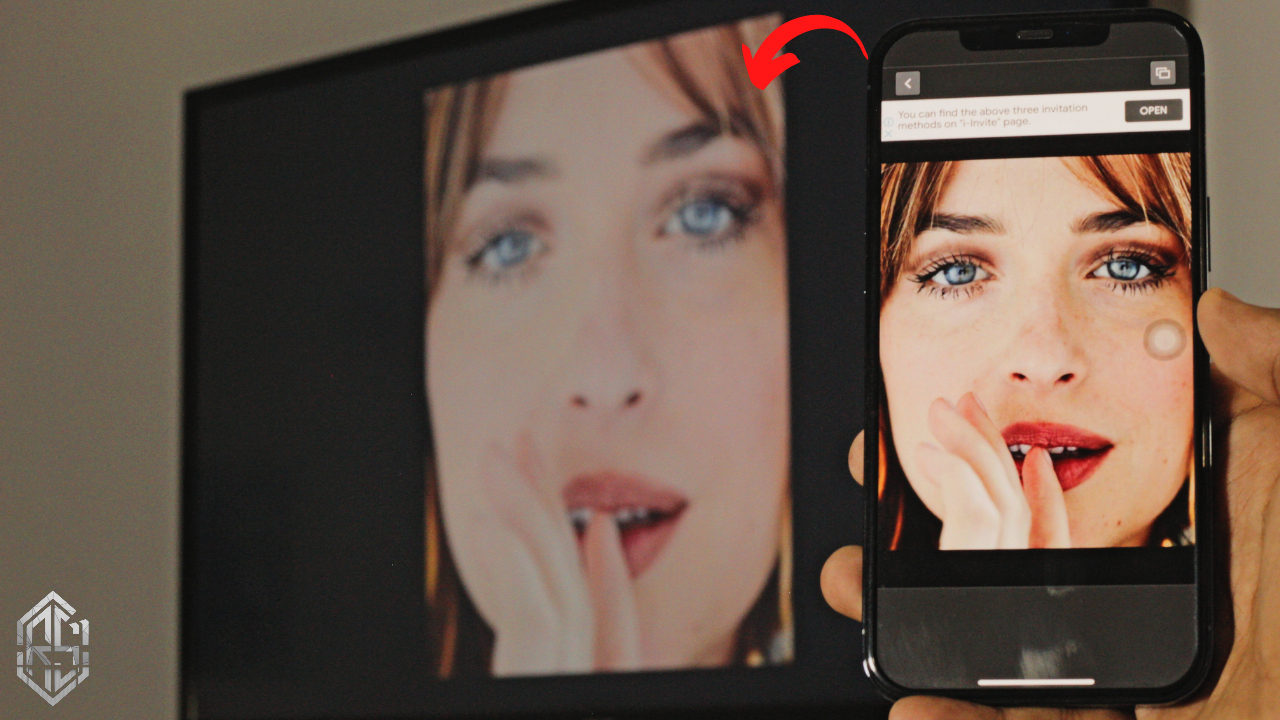
Screen Mirroring the new iPhone 12 or any iPhone to your TCL Roku TV completely free and easy. All you have to do is download a free app on your iPhone and it’s all ready. With one click you’re Screen Mirroring with iPhone to your TCL Roku TV.

Optional:
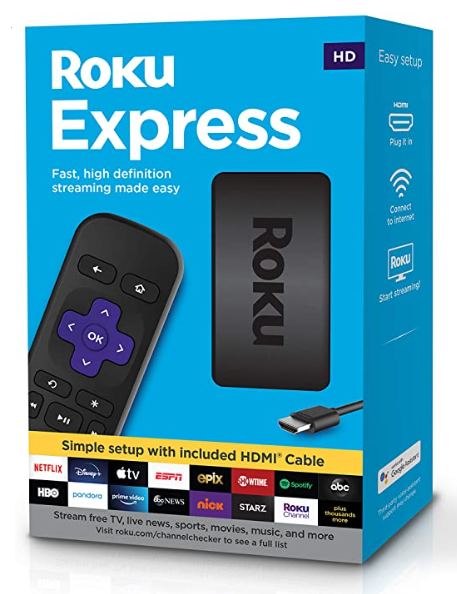
Turn your normal TV into a Smart-TV with just a simple RokuExpress Dongle!
ReplicaApp:
Before we start let’s make sure your iPhone is connected to either Wifi or your mobile data. I used wifi, as a result, it was smooth and less lag. But you can also use mobile data if you want to. Tho, It might cost you depending on your carrier.
ReplicaApp on App Store: https://apps.apple.com/us/app/replica-screen-mirror-cast-tv/id1468495939
Once you’ve downloaded the app on your iPhone, that’s all you need to do on your iPhone to Screen Mirror it to TCL Roku TV.
TCL Roku TV wifi settings:
The interface should look similar across all TCL Roku TVs’ so this should be piece of cake.
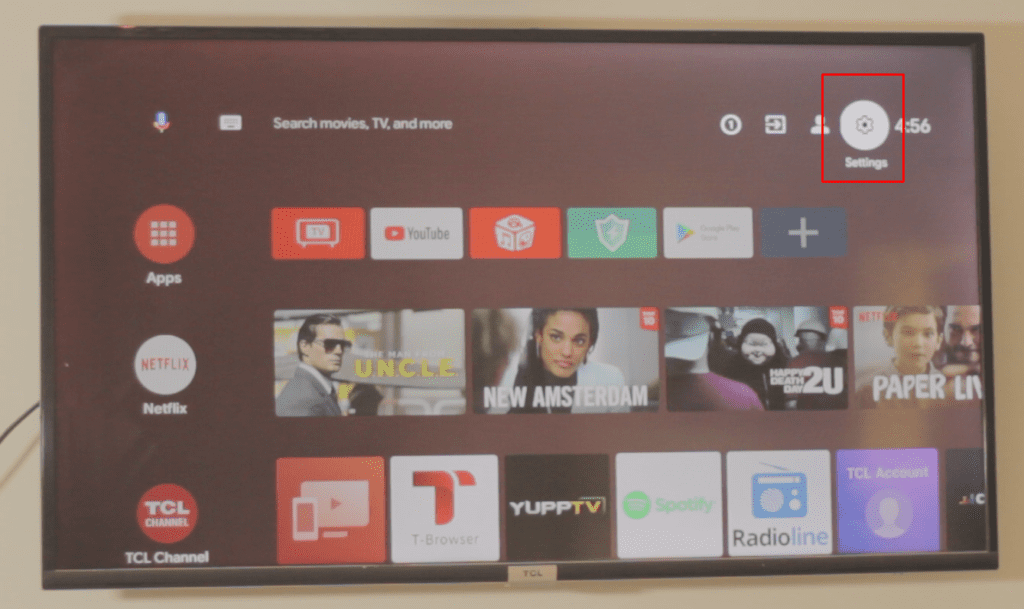
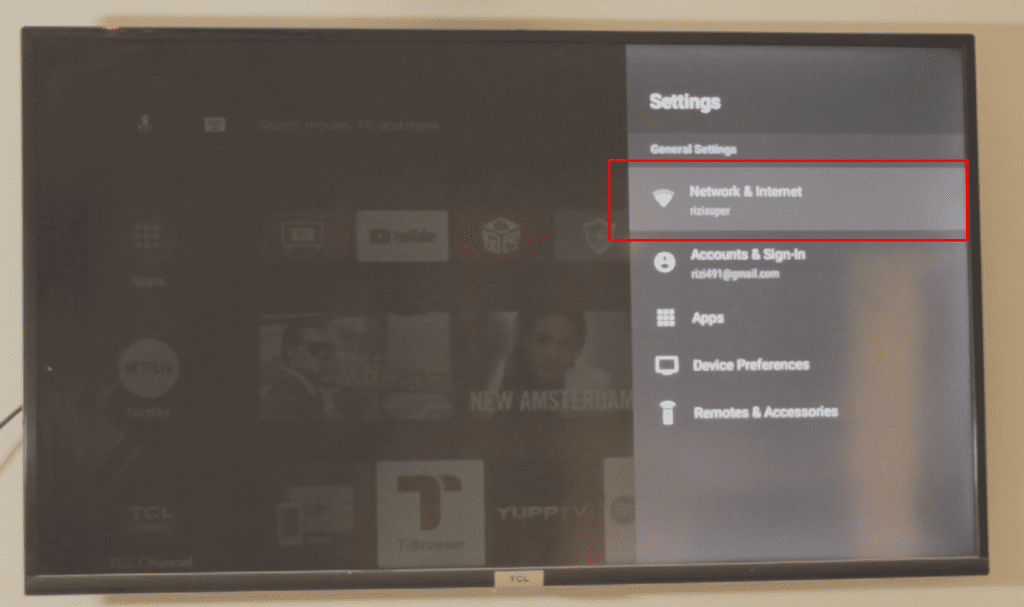
Step 1: Go to the TV Settings
Go to your TV Settings as shown in the Step by Step guide below.

Step 2: Head to the Internet & Network Settings
Go to your Network Settings as shown in the Step by Step guide below.

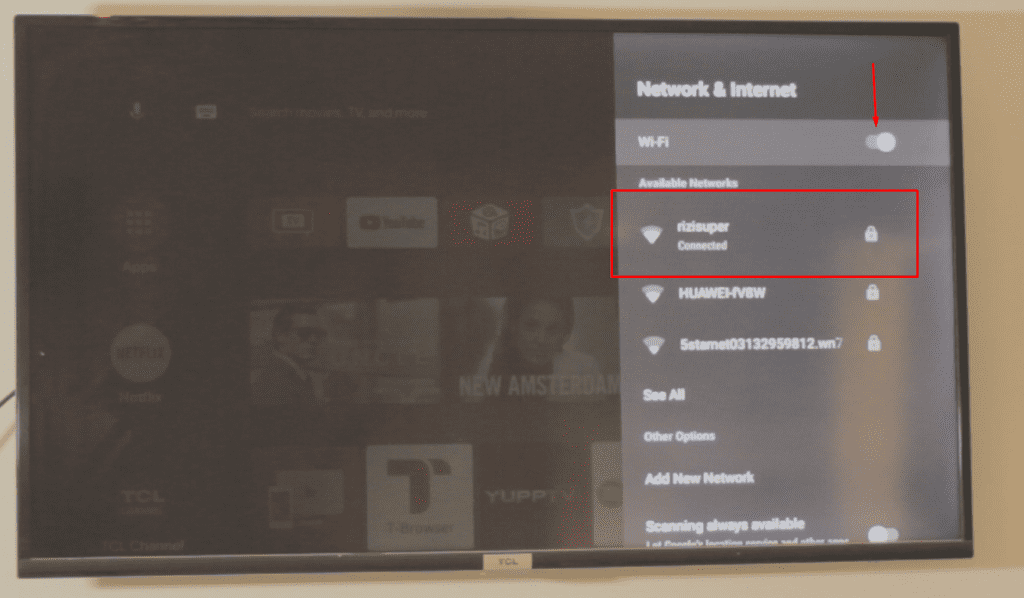
Step 3: Connect your TV to your Wi-Fi or any other connection
Inside the Network Settings, connect your tv to your Wifi or Mobile Hotspot. Make sure your iPhone and your TCL Roku TV are connected to the same connection.
As shown in the Step by Step guide below.

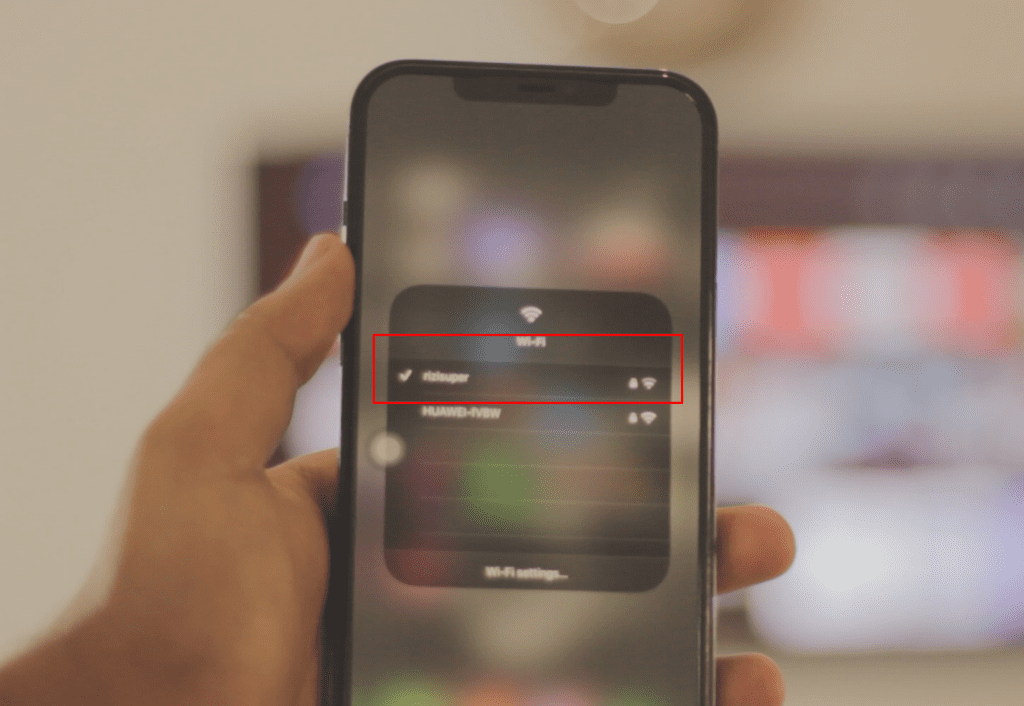
Step 4: Connect your iPhone to the Same Wi-Fi Connection
This is the most important part. Once you’ve connected your TV to your Wi-Fi now it’s time to make sure your iPhone is also connected to the same wifi connection on your iPhone.
As shown in the Step by Step guide below.

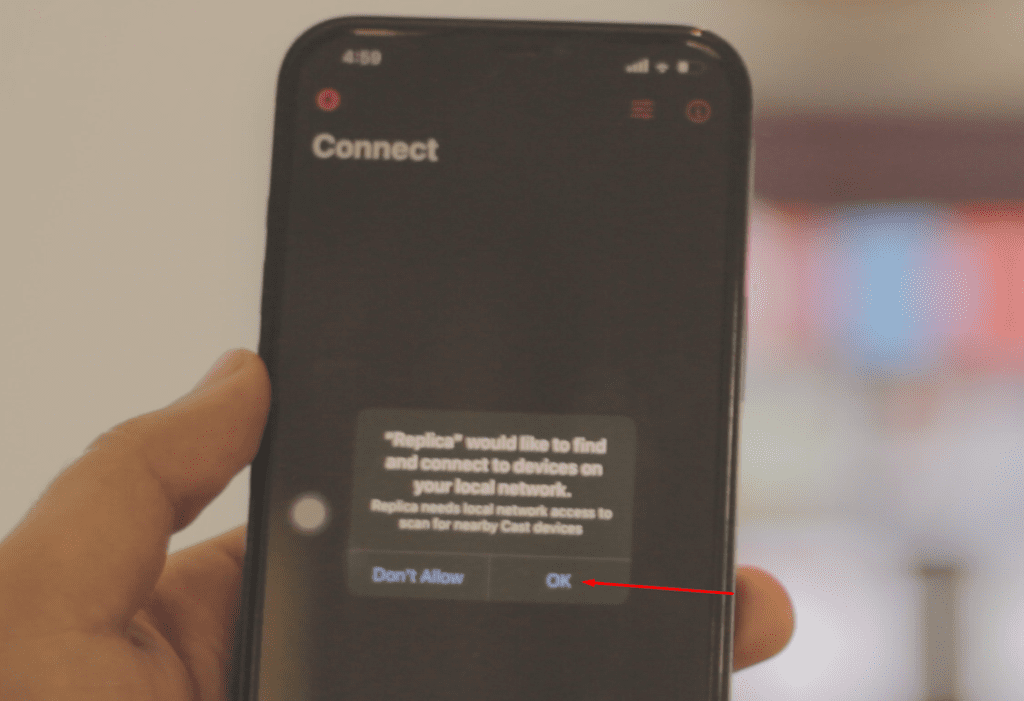
Step 5: Open the ReplicaApp and make sure everything is ready to go
Once you open the App on your iPhone, it’ll ask for permissions such as Bluetooth or even wifi. So, make sure it’s all ready to go.
As shown in the Step by Step guide below.

Step 6: ReplicaApp will automatically detect your TCL Roku TV
Once you’re in the App, ReplicaApp on your iPhone will automatically detect your TCL Roku TV in the background. So, make sure you’re connecting to the correct TV.
As shown in the Step by Step guide below.

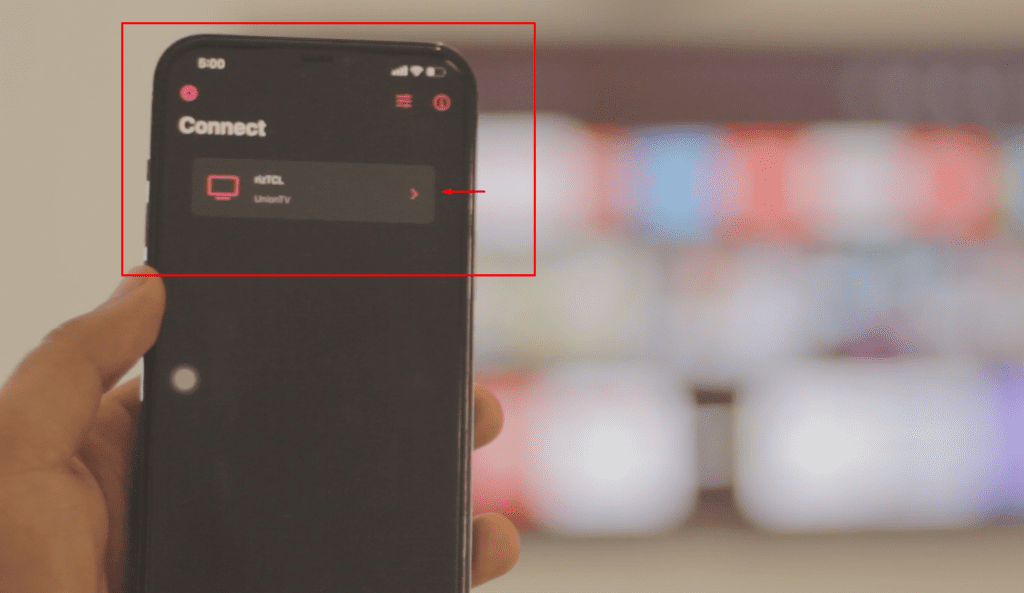
Step 7: Start Screen Mirroring your iPhone to your TCL Roku TV
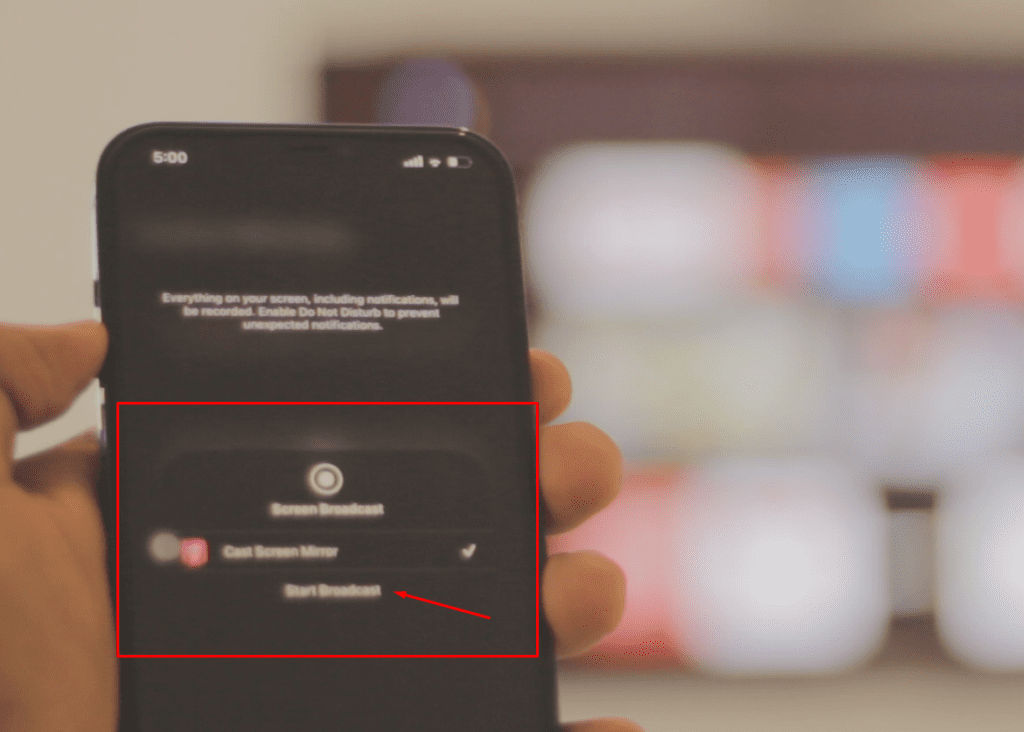
Just click on your TCL Roku TV and it’ll ask you to start Broadcast. Just Start Broadcast, and it’s done. No Lag, no jittering. Smooth Screen Mirroring. (To Disconnect just stop Broadcasting from your Control Panel)
As shown in the Step by Step guide below.

Conclusion:
Screen Mirroring iPhone to any TCL Roku TV isn’t that hard. Since the TV packs quite a tons of Features like Built-in Chrome Cast and what not. So, with a Simple Replica App, you can completely screen mirror your iPhone 12 or any iPhone to your TV and enjoy your iPhone’s content on your Big Screen!
Video Tutorial:

Affiliate Links:
Get TCL Roku TV on Amazon: https://amzn.to/ROKUTV
Get iPhone on Amazon: https://amzn.to/iPHONE


