


Watch new Tutorials on How-To Screen Mirror on Youtube every Week!


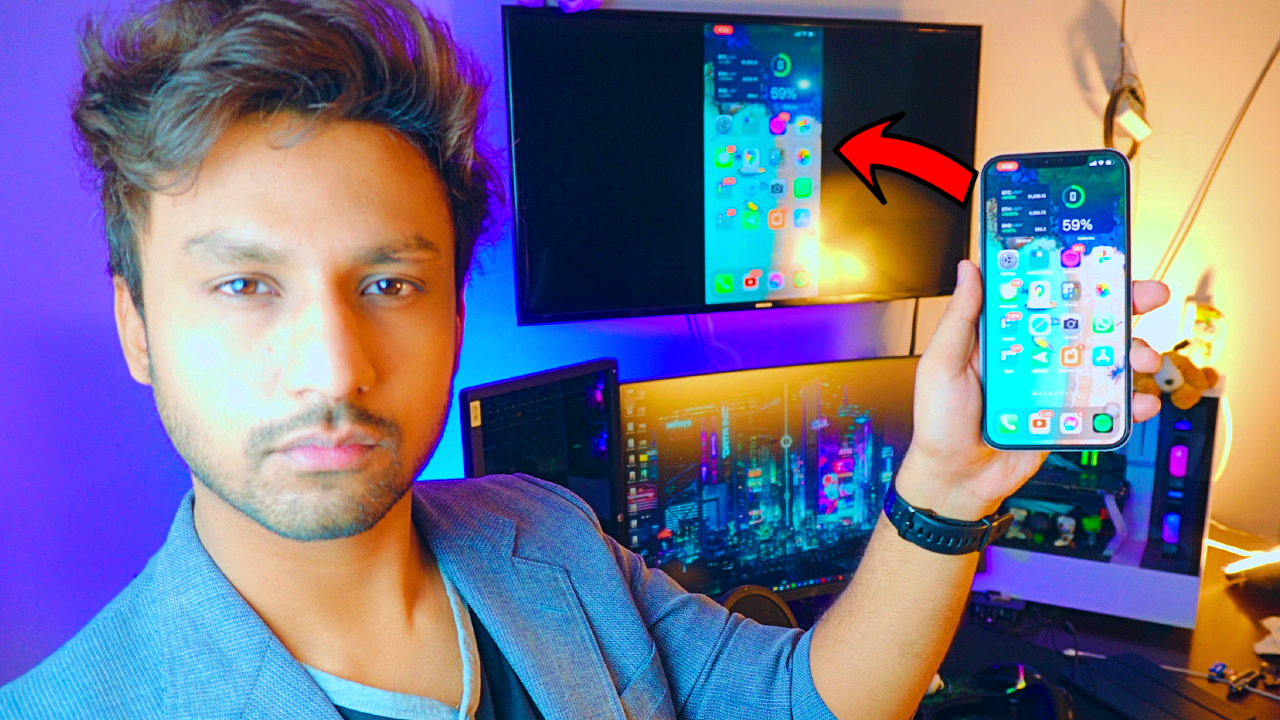
Screen Mirroring iPhone to a Samsung TV. Not that complicated, all we need is an iPhone, a Connection & a Samsung TV. It’s completely free to Screen Mirror iPhone to Samsung TV.

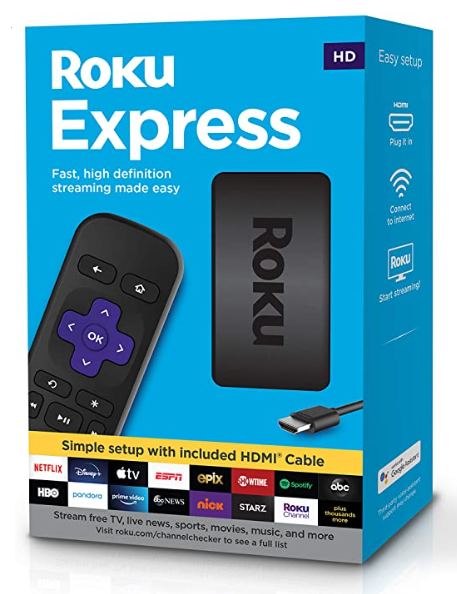
Buy Roku Express on Amazon:
Optional
Turn your normal TV into a Smart-TV with just a simple RokuExpress Dongle!
Screen Mirror iPhone to Samsung TV
Mirroring iPhone to any Samsung TV, in this tutorial. We’ll be Screen Mirroring any iPhone to any Samsung TV & for that we need Samsung TV that supports Connection, it can be either Ethernet or Wifi.
NOTE: If your TV doesn’t support WIFI you can Get Streaming Devices like Roku Express, Chrome Cast, or Amazon Fire Stick.
Without WIFI:
Refer to this article on How to Screen Mirror iPhone to TV without WIFI
Screen Mirroring Samsung TV:
For this tutorial, I’m gonna be using my 11 years old Samsung TV that does have WIFI support.
Buy Roku Express on Amazon (Optional)
Screen Mirroring iPhone:
Using Replica App:
To Mirror iPhone Screen to any Samsung TV, we’ll be using a Free App Replica! One of the best apps out there and it’s totally free as I’ve been using it for a while now! No trials, no need to enter any credit/debit card. Totally FREE!
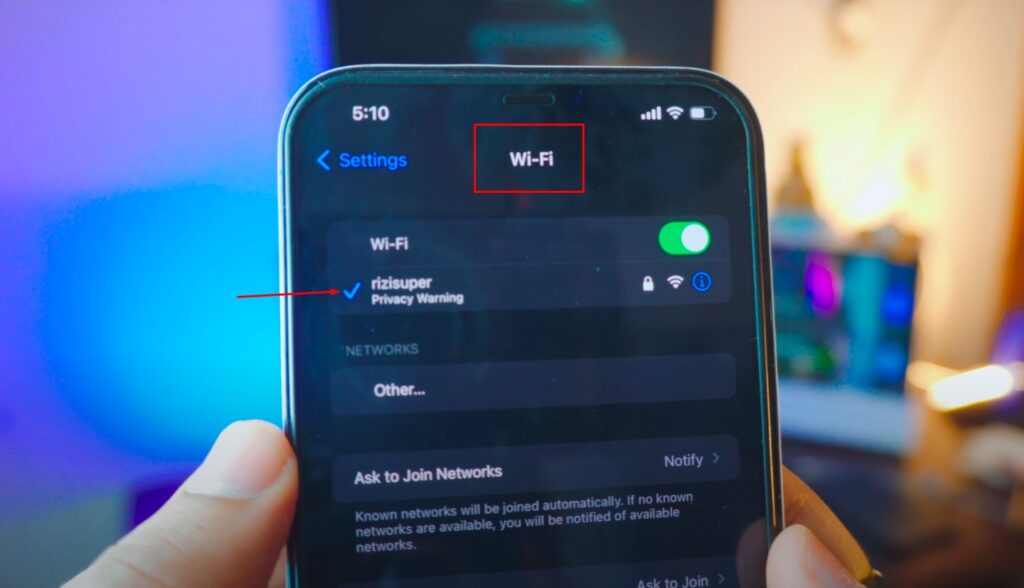
Step 1: Enable Wifi on iPhone to Mirror iPhone to TV
Here I’ll be using Wifi but you can use Mobile Hotspot as well if you want. So go ahead and connect your iPhone to your Home/Work or any WIFI that’s available to you.
NOTE: Be careful, depending on your Network Mobile hotspots isn’t free.

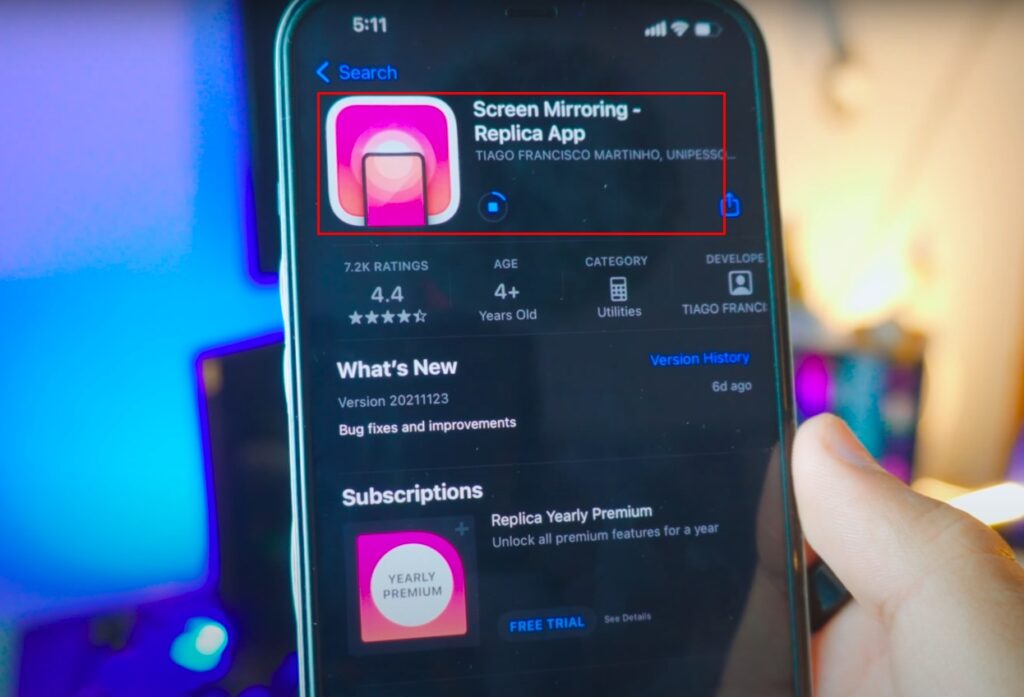
Step 2: Download Replica to Mirror iPhone to Samsung TV
Go to your App Store, search for ” Replica App” and Download the App for free.

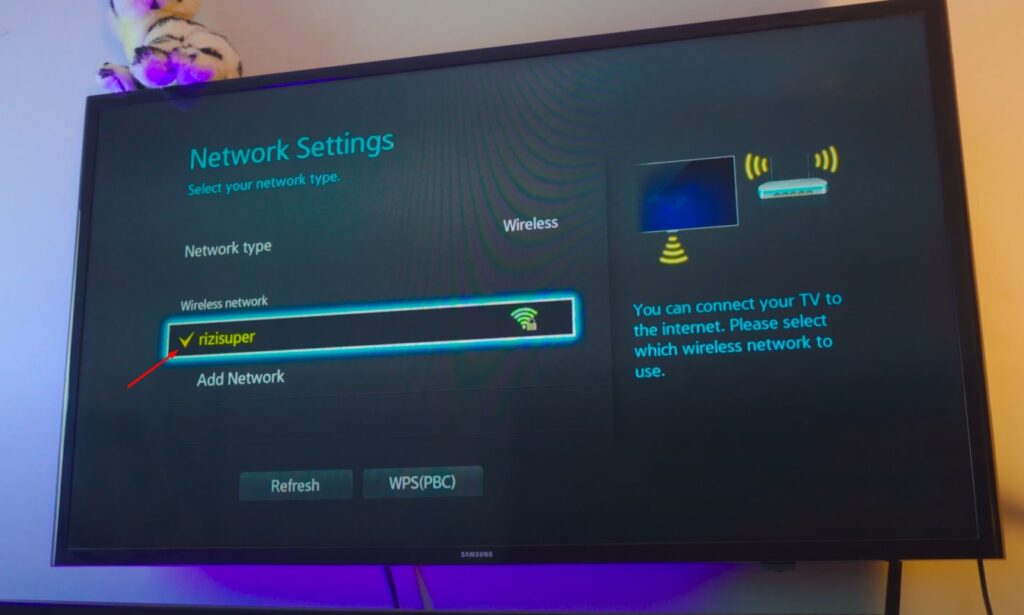
Step 3: Connect your TV to your Wi-Fi to Screen Mirror iPhone
Connect your Samsung TV to your Available Wifi or Hotspot or any Network that is available to you. Also, connect your iPhone to the same network as your TV is connected to.

Step 4: Screen Mirror iPhone to Samsung TV
Once you’ve connected both your Samsung TV and your iPhone to the same network, open the Replica App and by default, it should list all TVs nearby.
(As Shown Below)

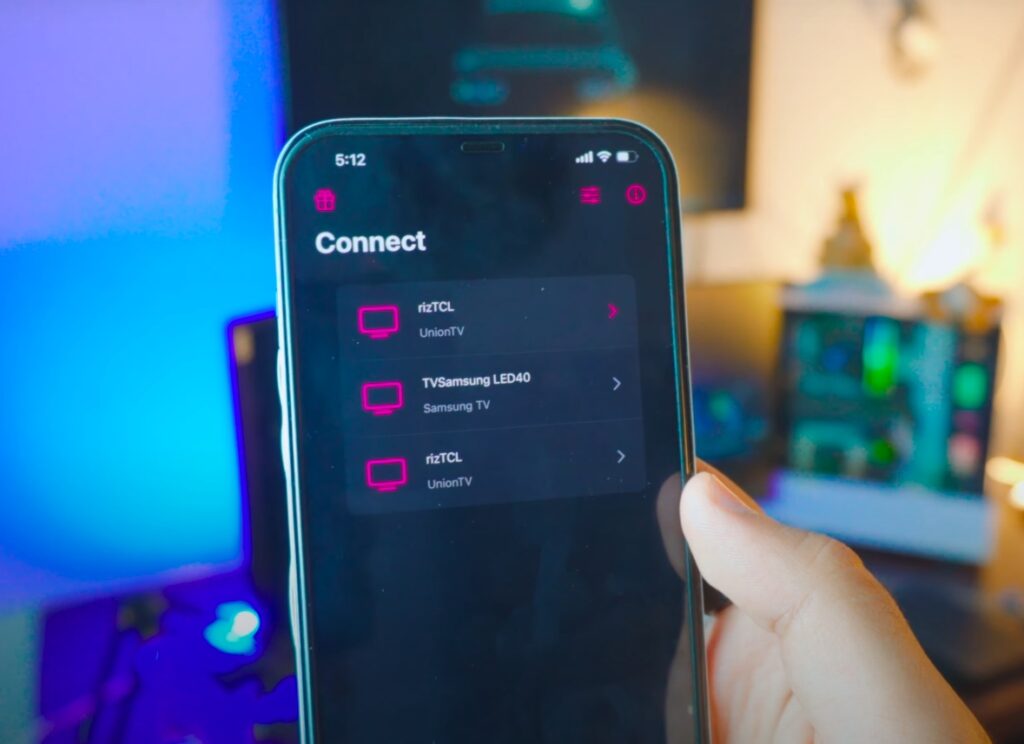
Step 5: Select your Samsung TV to Screen Mirror iPhone
Find your desired TV and click on it. After clicking, it’ll ask you to buy it. But don’t worry, it’s absolutely free. If you look a little bit closer to the top right corner you have the option to exit/escape the Purchase Screen.
(As Shown Below)

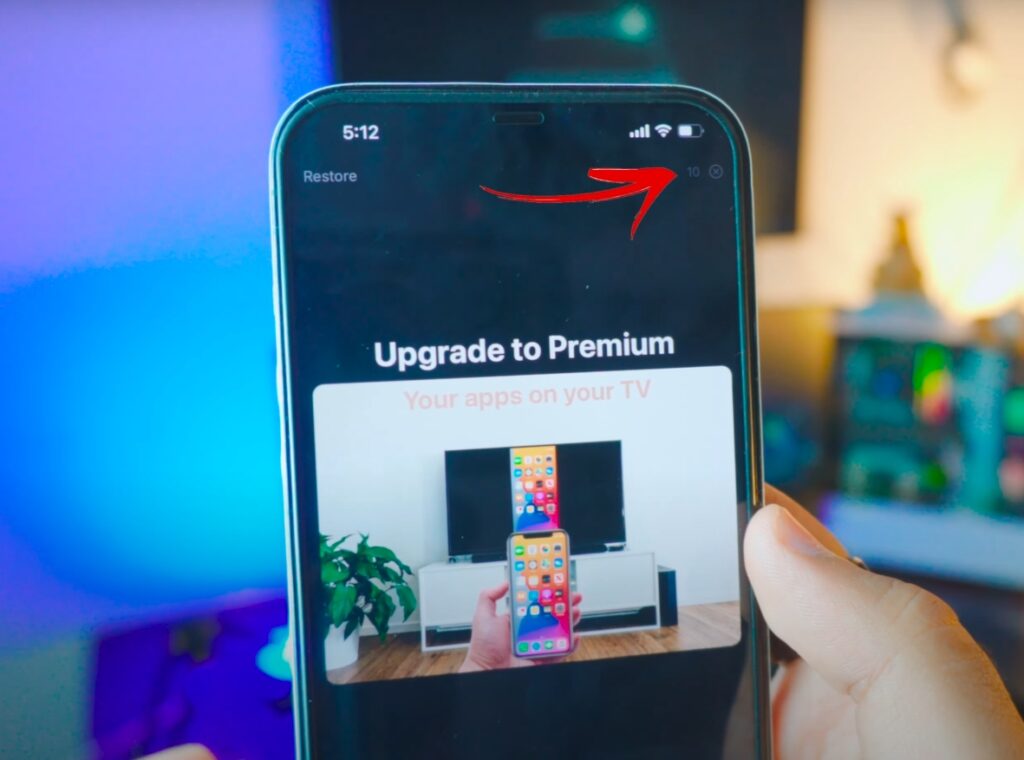
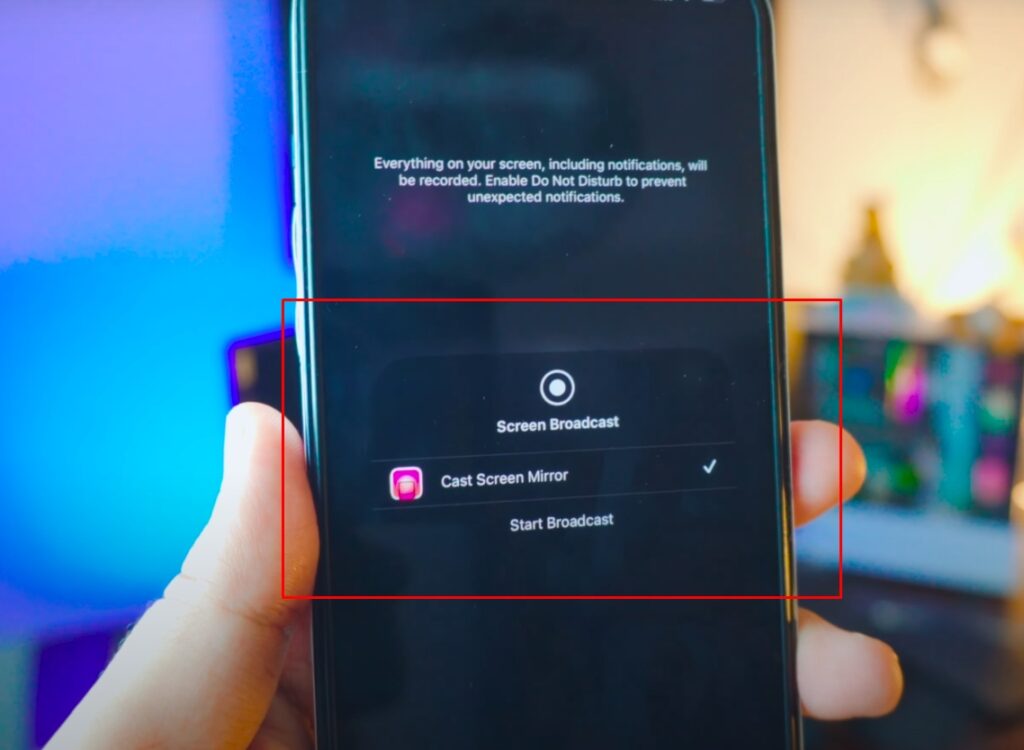
Step 6: Start Broadcasting to Screen Mirror iPhone to Samsung TV
Skip the Purchase screen and you’ll the option to Start Broadcasting iPhone Screen. Click on Start Broadcast to Mirror iPhone Screen to Samsung TV.

Step 10: You’re Mirroring iPhone to Samsung TV
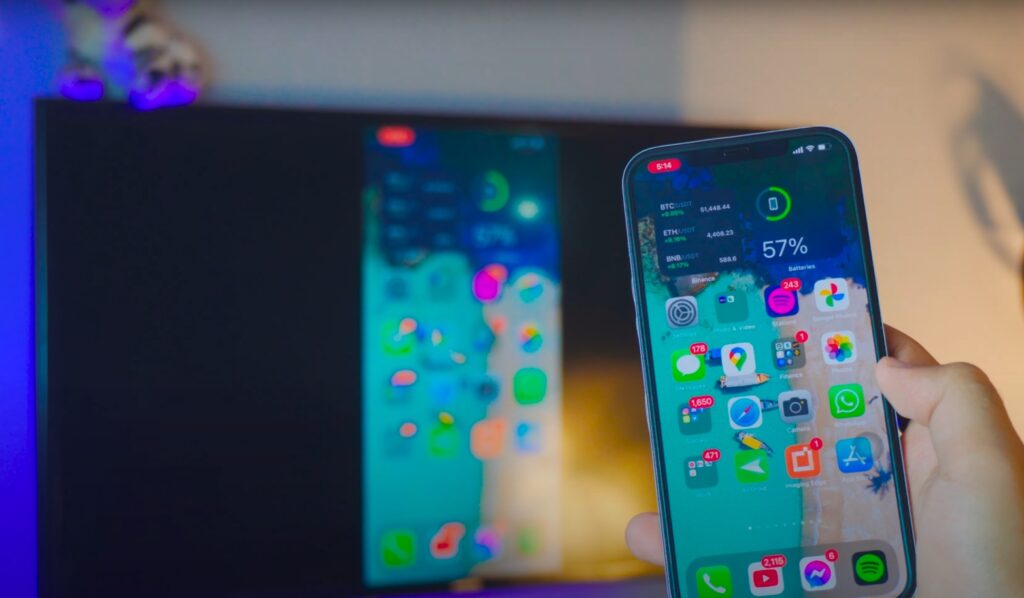
You’re Screen Mirroring iPhone to your Samsung TV absolutely free and easy as a cake!
Screen Mirroring iPhone to Samsung TV 2021
We’re Screen Mirroring iPhone, any iPhone to your Samsung TV using a Free app Replica. Screen Mirroring iPhone to any Samsung TV is absolutely free using this method.

Conclusion:
Mirroring iPhone Screen to Samsung TV is completely free and easy with just a few steps. Using a third-party app called Replica, a free app.
Video Tutorial:

Affiliate Links:
Get TCL TV on Amazon: https://amzn.to/ROKUTV
Get iPhone on Amazon: https://amzn.to/iPHONE
Get Roku Express: https://amzn.to/RokuExpress


