
Watch new Tutorials on How-To Screen Mirror on Youtube every Week!

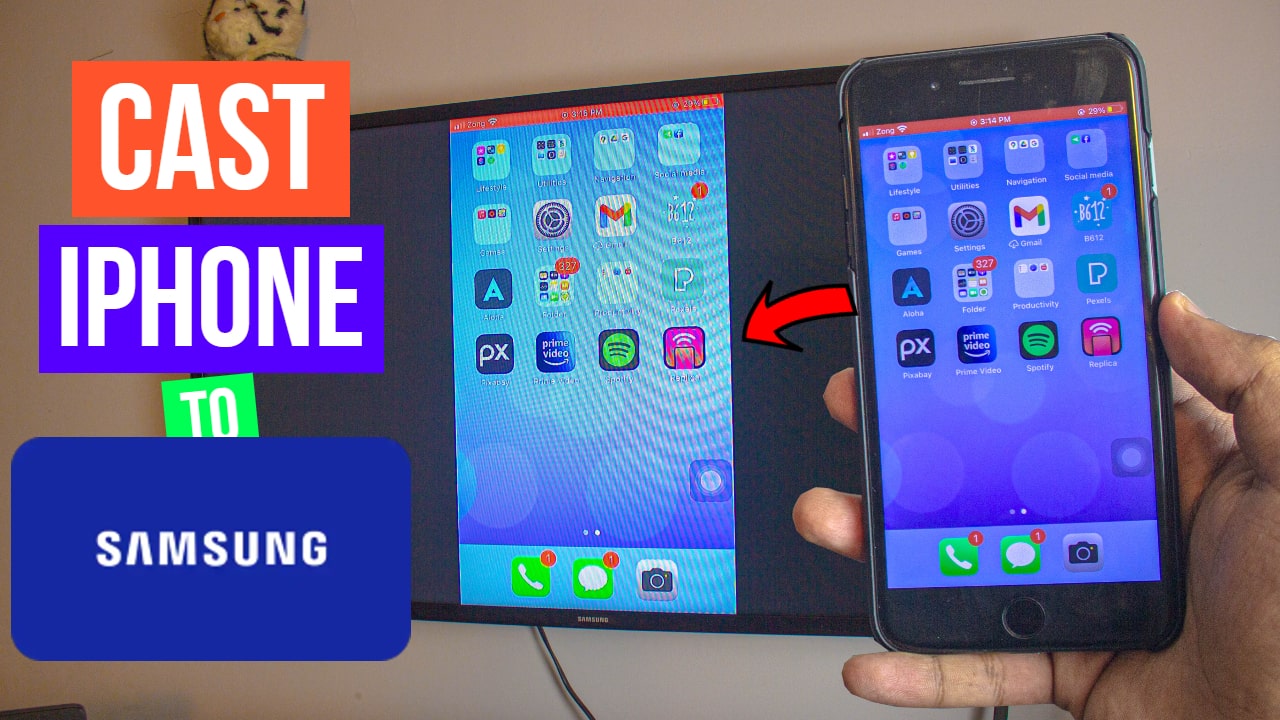
Screen Mirroring or Cast iPhone 7 Plus or any iPhone to your non-Android Samsung TV. It is completely free, wireless and easy.
Cast iPhone 7 Plus to Samsung TV
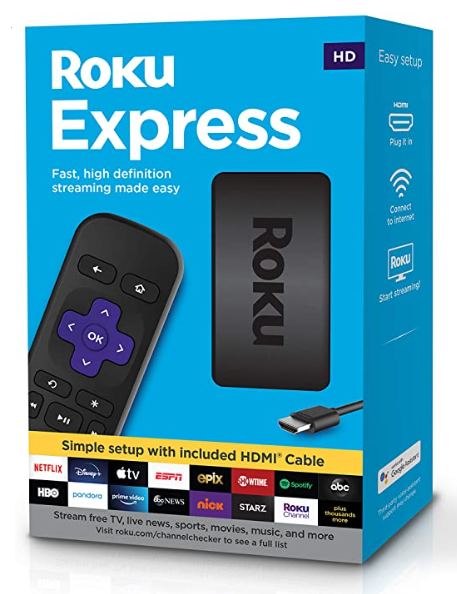
Buy Roku Express on Amazon:
optional
Turn your normal TV into a Smart-TV with just a simple RokuExpress Dongle!
Samsung TV:
Smart TVs have AirPlay Built-in just like Apple TVs’. But Samsung TV or rather Non-Android Samsung TV doesn’t support AirPlay like other current smart TVs. So in order to Cast iPhone to Samsung TV, we’ll be using a free App Replica which will help us mirror iPhone to Samsung TV free and easy!
Buy Smart TV on Amazon (Optional)
Samsung TV wifi settings:
Settings should be similar across all Samsung TVs (Except for Android Samsung TVs)
Step 1: Network Settings on Samsung TV
Go to your TV Settings as I have. (Step by Step guide below)

Step 2: Head to the Internet & Network Settings
Go to your Network Settings as shown in the Step by Step guide below.

Step 3: Connect your TV to your Wi-Fi or any other connection
Inside the Network Settings, connect your Samsung TV to your Wifi or Mobile Hotspot.
Note: Hotspot is not free depending on your Carrier Network and Data Plan so be careful.

Step 4: Connect your iPhone & Samsung to the Same Wi-Fi Connection
Make sure your iPhone and your Samsung TV are connected to the same connection.
As shown in the Step by Step guide below.

Step 5: Download Replica on iPhone
One your Samsung TV and your iPhone are on the Same Network. All that’s left is to Download a free App Replica from the AppStore.
Replica App: https://apps.apple.com/us/app/replica-screen-mirror-cast-tv/id1468495939
(As Shown Below)

Step 6: Cast iPhone to Samsung TV using Replica App
Once you open the Replica App, give all the permissions but at the end, it’ll ask you to purchase it. Don’t worry, if you look at the top right corner you’ve got the “x” option to skip the Purchase screen.
Note: I’ve been using Replica App for as long as I can remember, it’s completely free!

Step 7: Final Check, Same Network
In order to Cast iPhone to Sasmung, we need to make sure our iPhone and our Samsung TV are on the Same Network.
You can use iPhone’s Portable Hotspot (optional) just be careful it’s not free depending on your network.
Step 8: Cast iPhone 7 Plus to Samsung TV
On your iPhone (any) open the Replica App. Once the App is running it’ll automatically Scan for all the TVs that are on the same network.
(As Shown Below)

Step 8: Select your Samsung TV
Once you select your Samsung TV, it’ll prompt you to Start the Broadcast. Wait 3 Seconds and you are casting your iPhone to non-android Samsung TV for free!

It’s DONE!
Once you Start the Broadcast, you are Casting iPhone to Samsung TV.

Conclusion:
To Cast iPhone Screen to Non-Android Samsung TV, we’ll be using an App from AppStore called “Replica” it’s a free app, probably one of the best apps out there. The replica will allow us to Cast iPhone 7 Plus Screen to Samsung TV wireless and free and all it takes is one click!
Video Tutorial:
Affiliate Links:
Get TCL TV on Amazon: https://amzn.to/ROKUTV
Get iPhone on Amazon: https://amzn.to/iPHONE
Get Roku Express: https://amzn.to/RokuExpress
Get Roku TV: https://amzn.to/3JiNSp4